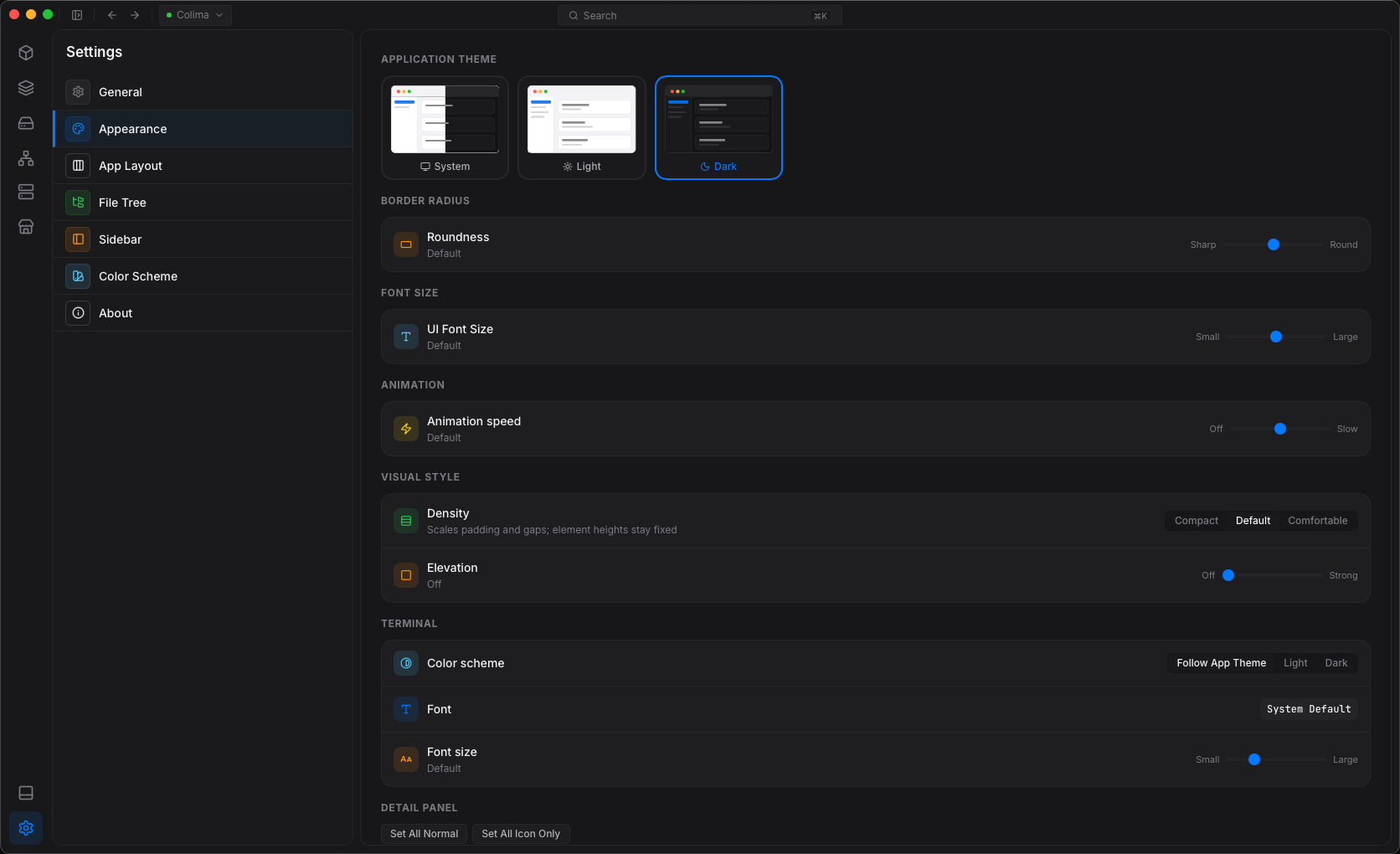
Multi Connection
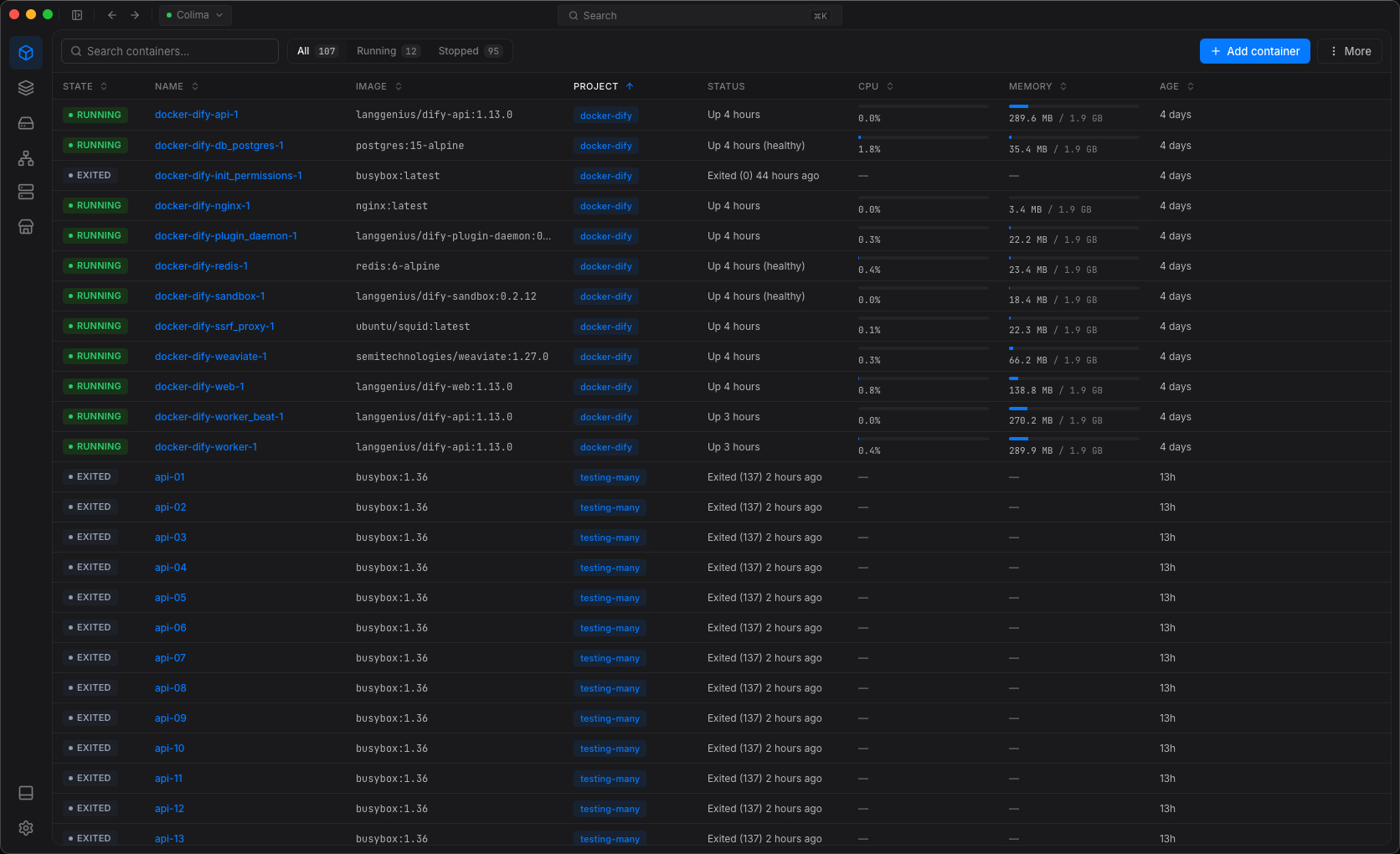
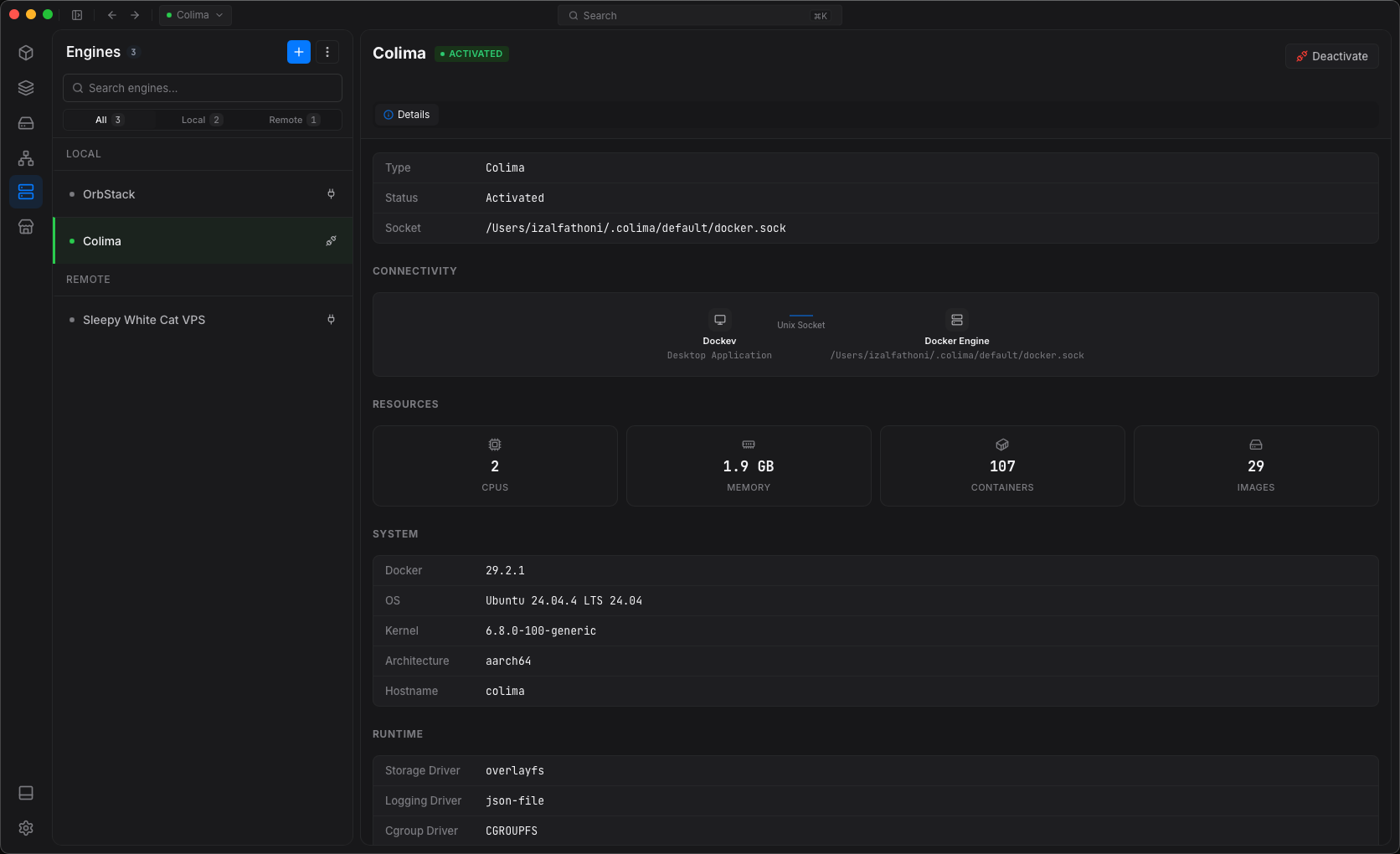
Connect to several engines at once.
Your laptop, staging and production, over socket, SSH or TLS.
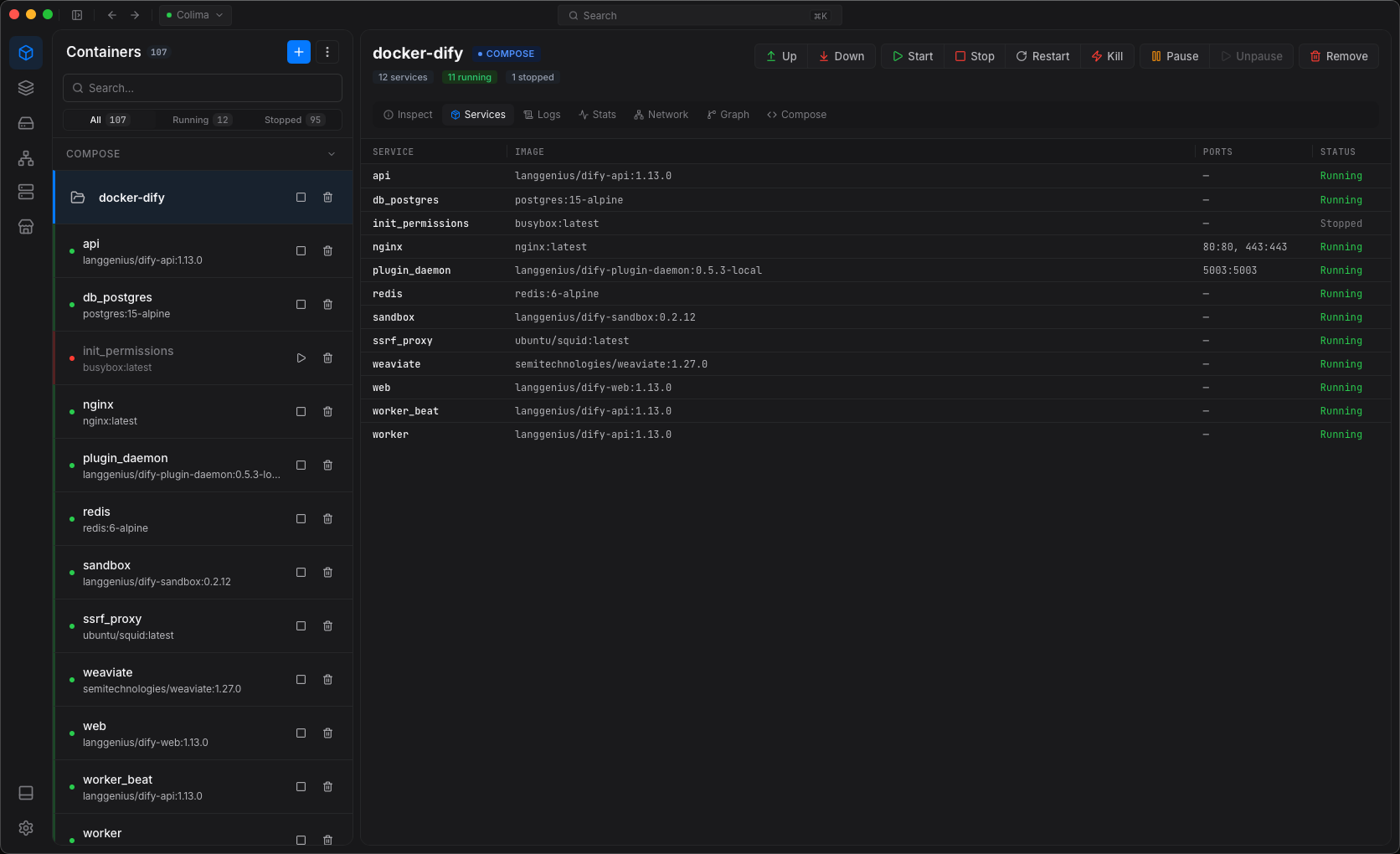
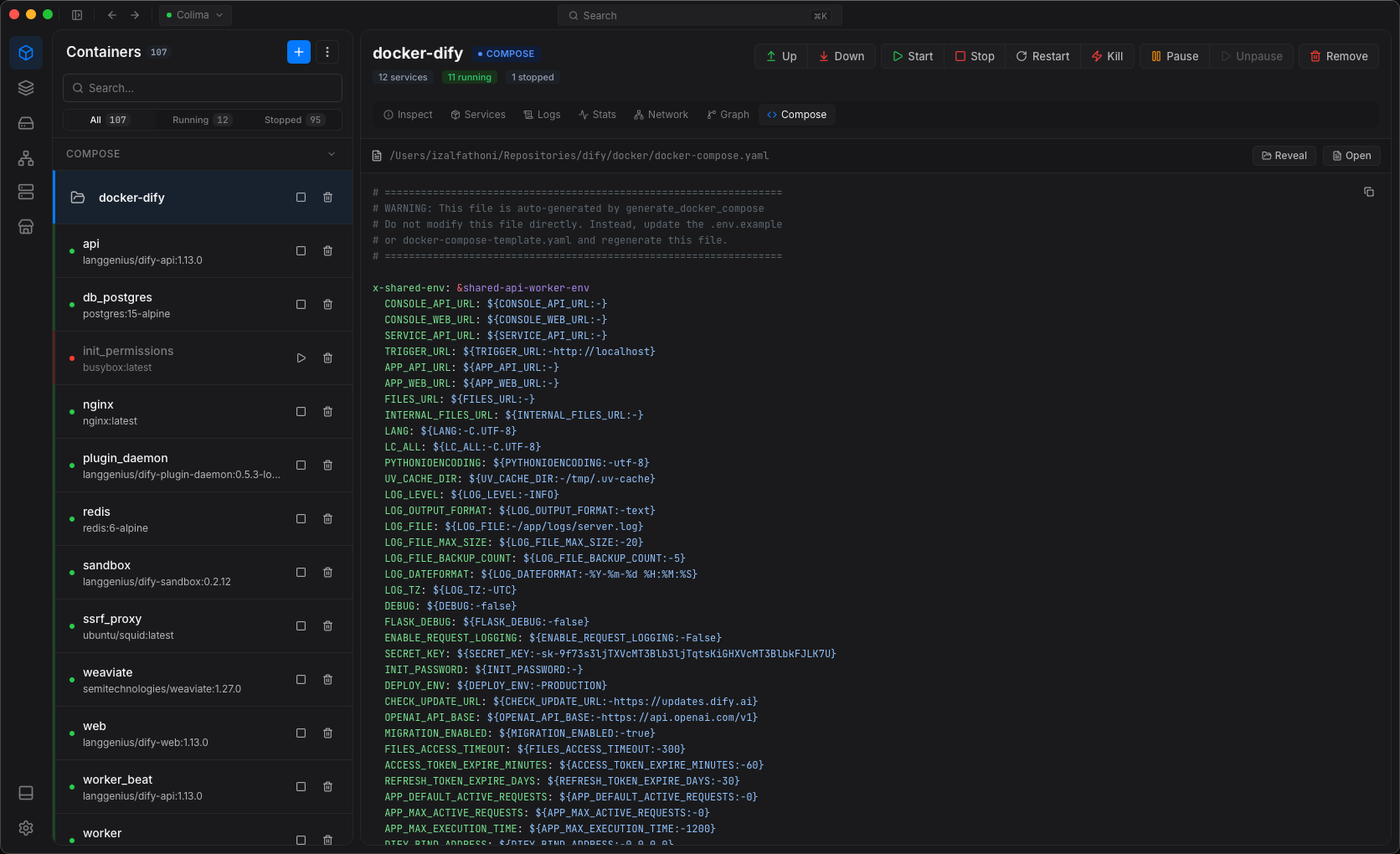
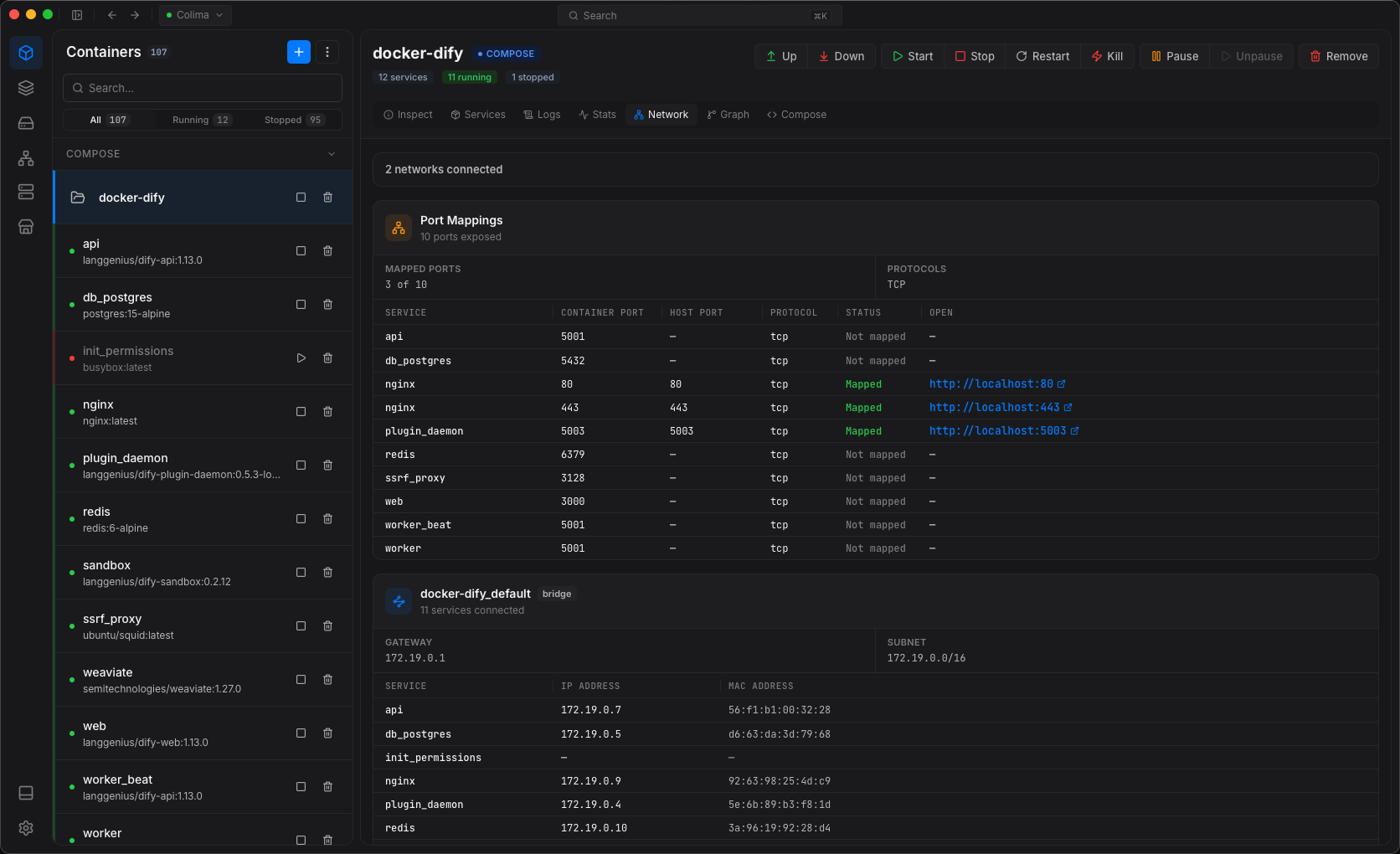
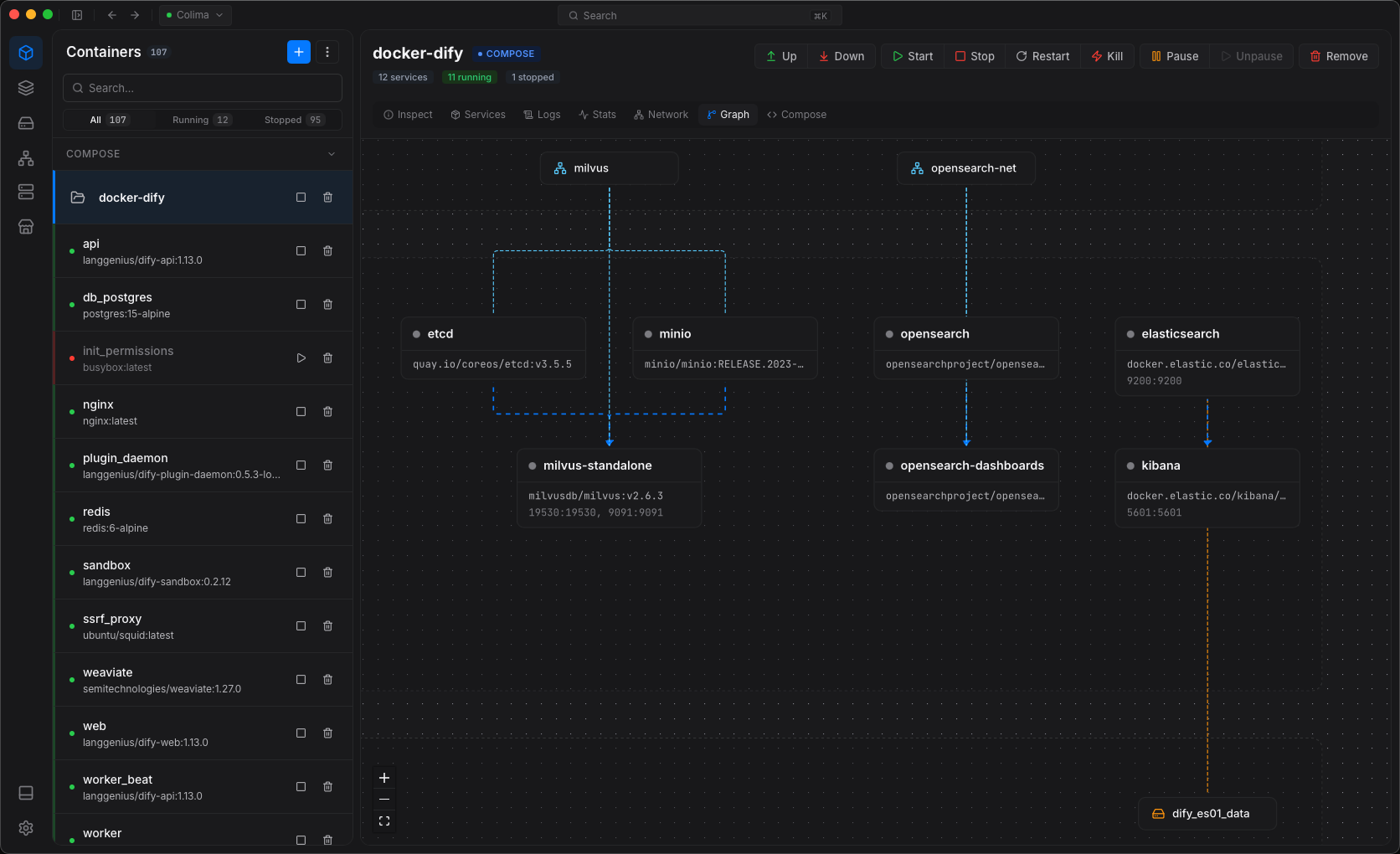
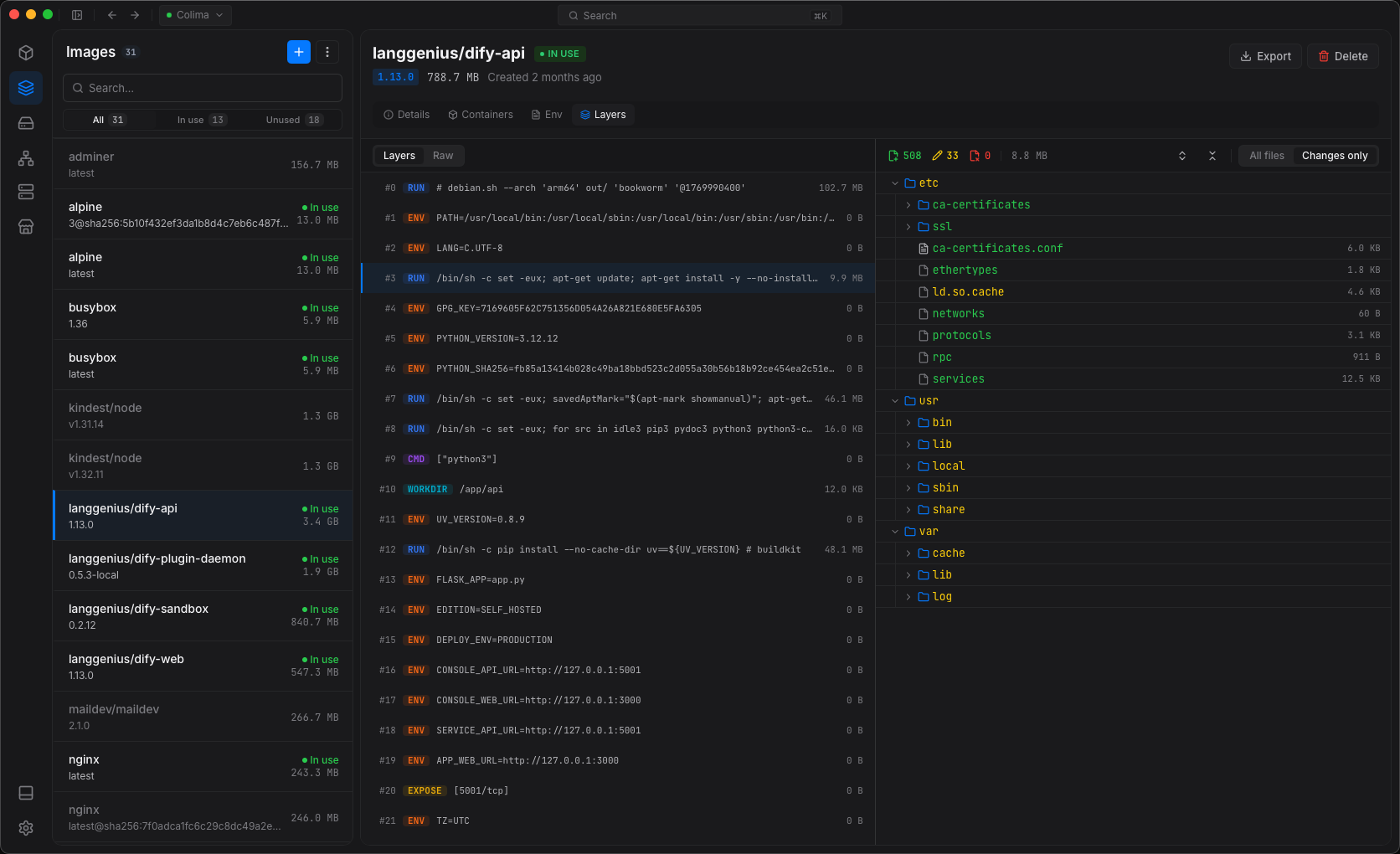
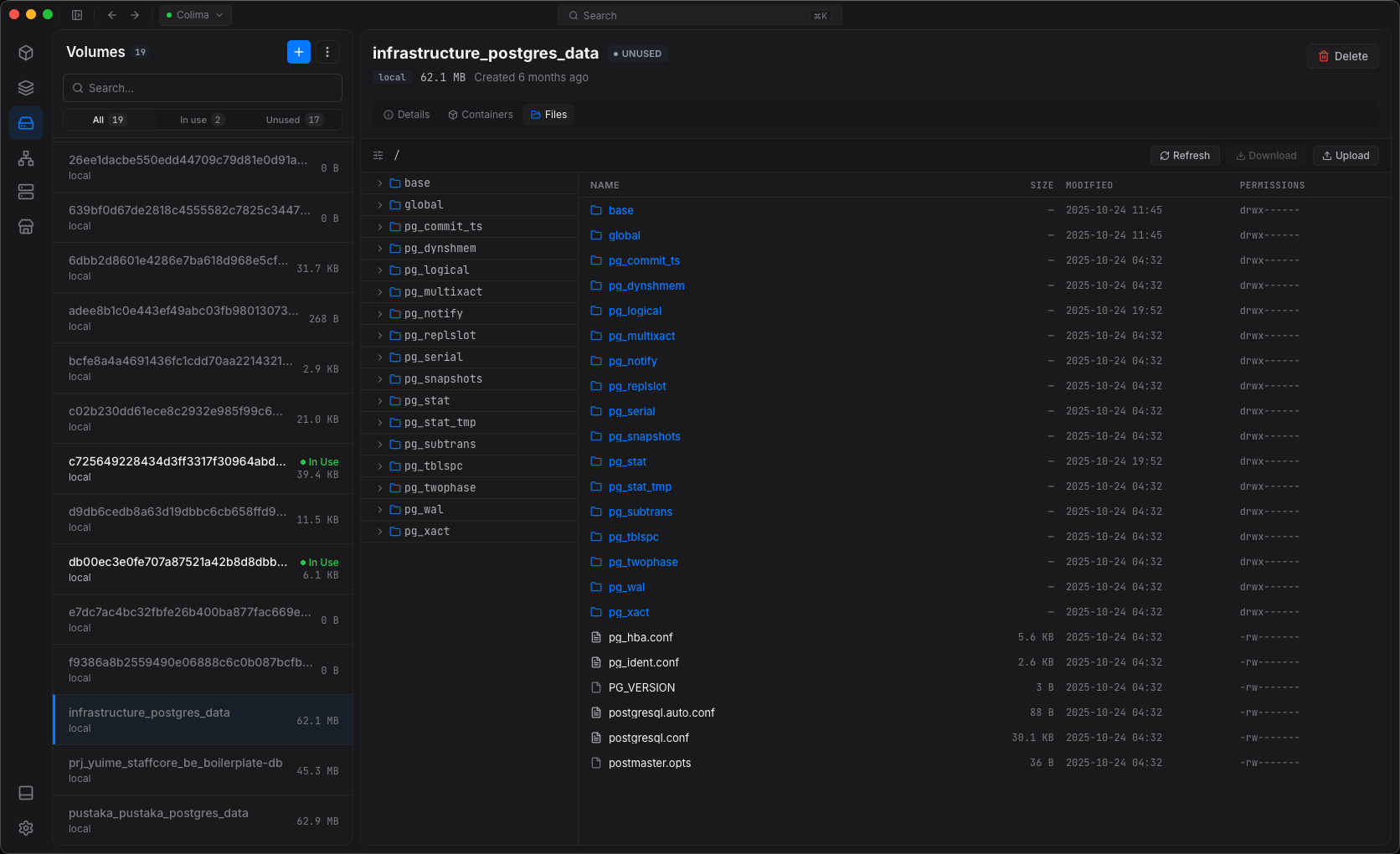
Manage containers, Compose, Swarm and Kubernetes on your machine or a remote server.
 Docker Desktop Docker Engine
 Colima
 Apple Container WSL 2
 OrbStack
 Podman
 Rancher Desktop
If docker ps works, Dockev works.
macOS 12 Monterey or later
brew install --cask dockevapp/dockev/dockevbrew upgrade --cask dockev Windows 10 / 11
Windows 10 / 11 (x64), no admin rights neededadd the bucketscoop bucket add dockev https://github.com/DockevApp/scoop-bucketinstallscoop install dockevInstall Scoop first, then run the Scoop tabSet-ExecutionPolicy -ExecutionPolicy RemoteSigned -Scope CurrentUserInvoke-RestMethod -Uri https://get.scoop.sh | Invoke-Expressionscoop update dockev Uninstall Ubuntu, Debian, Fedora, openSUSE, Arch
Ubuntu 22.04+, Debian 12+, Mint, Pop!_OSadd the signing key and repositorysudo install -d -m 0755 /etc/apt/keyringscurl -fsSL https://dockevapp.github.io/packages/dockev.gpg | sudo tee /etc/apt/keyrings/dockev.gpg >/dev/nullecho "deb [arch=amd64 signed-by=/etc/apt/keyrings/dockev.gpg] https://dockevapp.github.io/packages/apt stable main" | sudo tee /etc/apt/sources.list.d/dockev.listinstallsudo apt update && sudo apt install dockevFedora 39+, RHEL / Rocky / AlmaLinux 9+sudo curl -fsSL -o /etc/yum.repos.d/dockev.repo https://dockevapp.github.io/packages/rpm/dockev.repoaccept the Dockev signing key when askedsudo dnf install dockevopenSUSE Tumbleweed, Leap 15.6+sudo zypper addrepo https://dockevapp.github.io/packages/rpm/dockev.repoaccept the Dockev signing key when askedsudo zypper refreshsudo zypper install dockevArch, EndeavourOS, CachyOS, Manjarotrust the signing keycurl -fsSL https://dockevapp.github.io/packages/dockev.asc | sudo pacman-key --add -sudo pacman-key --lsign-key 763C239656A34CCA308F79C521D7187E5D6F387Fadd the repositoryprintf '\n[dockev]\nSigLevel = Required\nServer = https://dockevapp.github.io/packages/arch/$arch\n' | sudo tee -a /etc/pacman.conf >/dev/nullinstallsudo pacman -Syu dockev5D6F 387F Update & uninstall 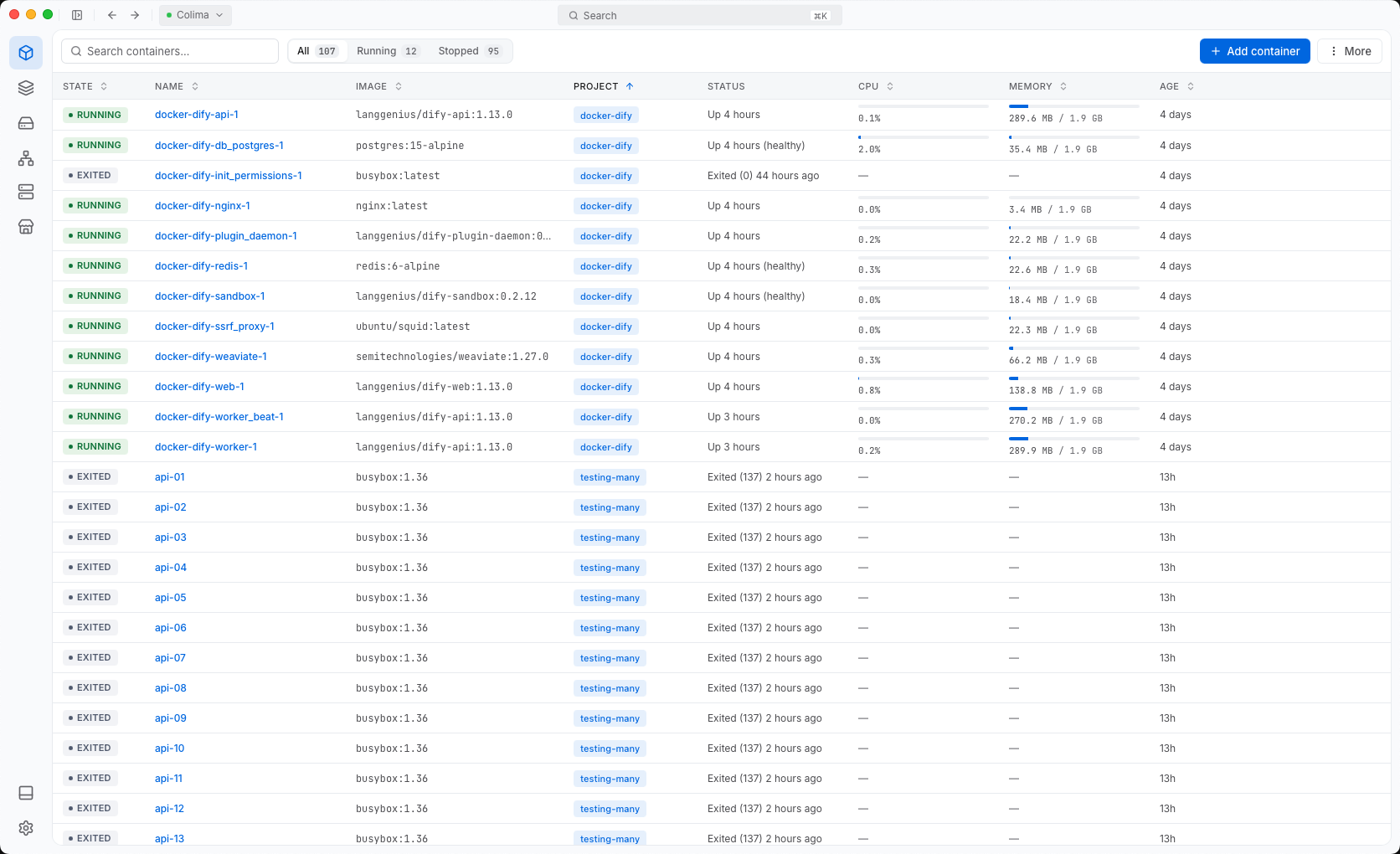
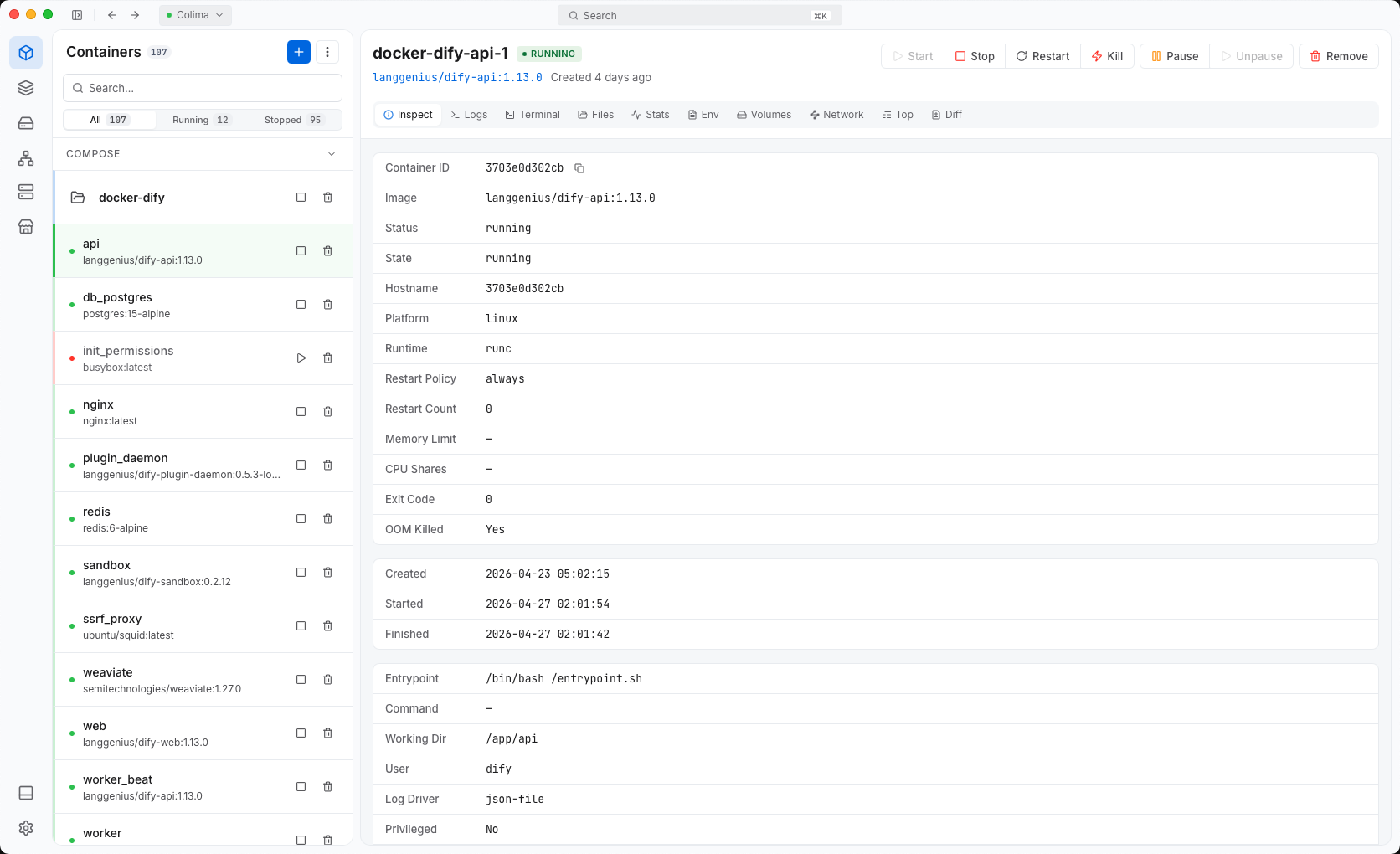
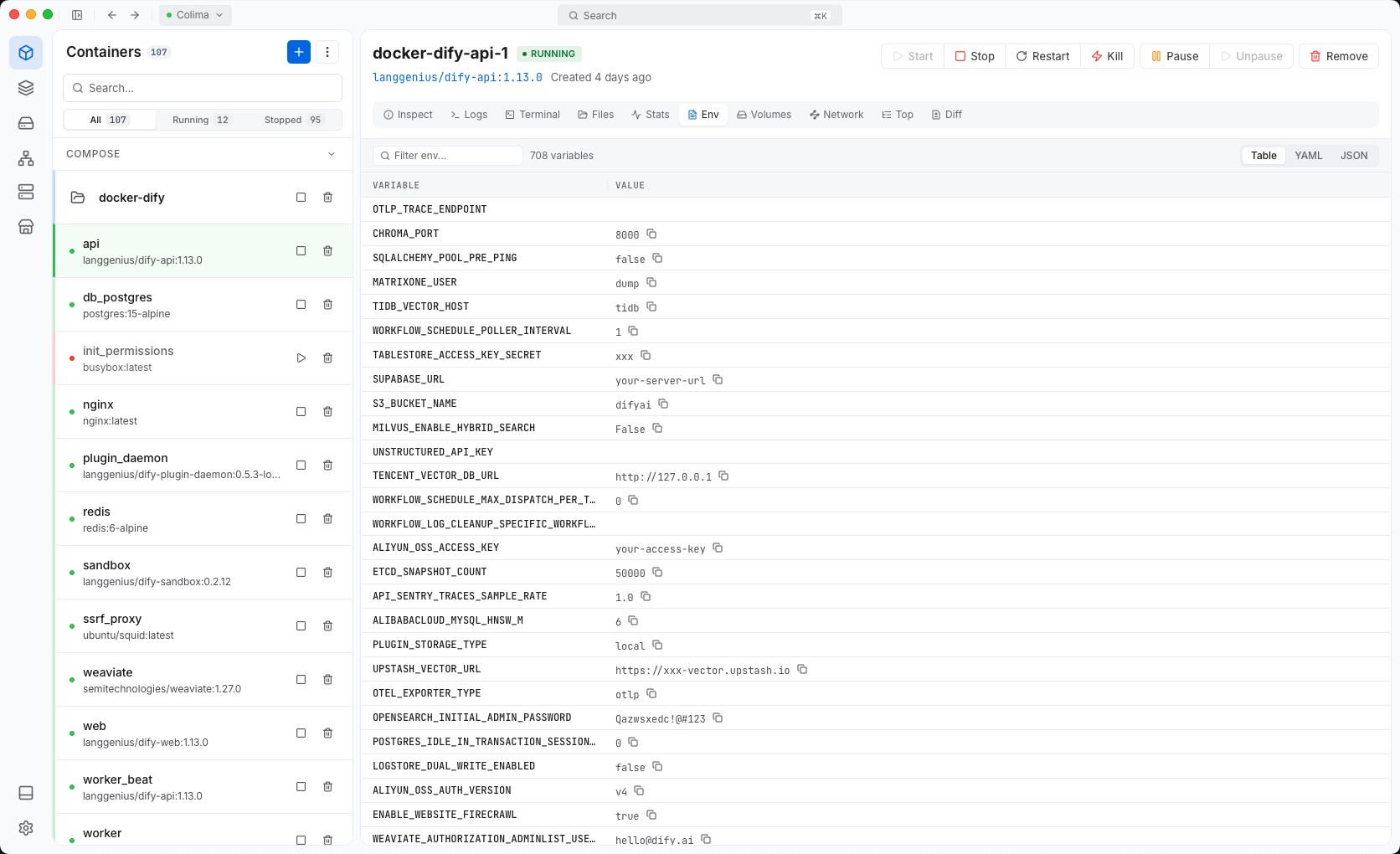
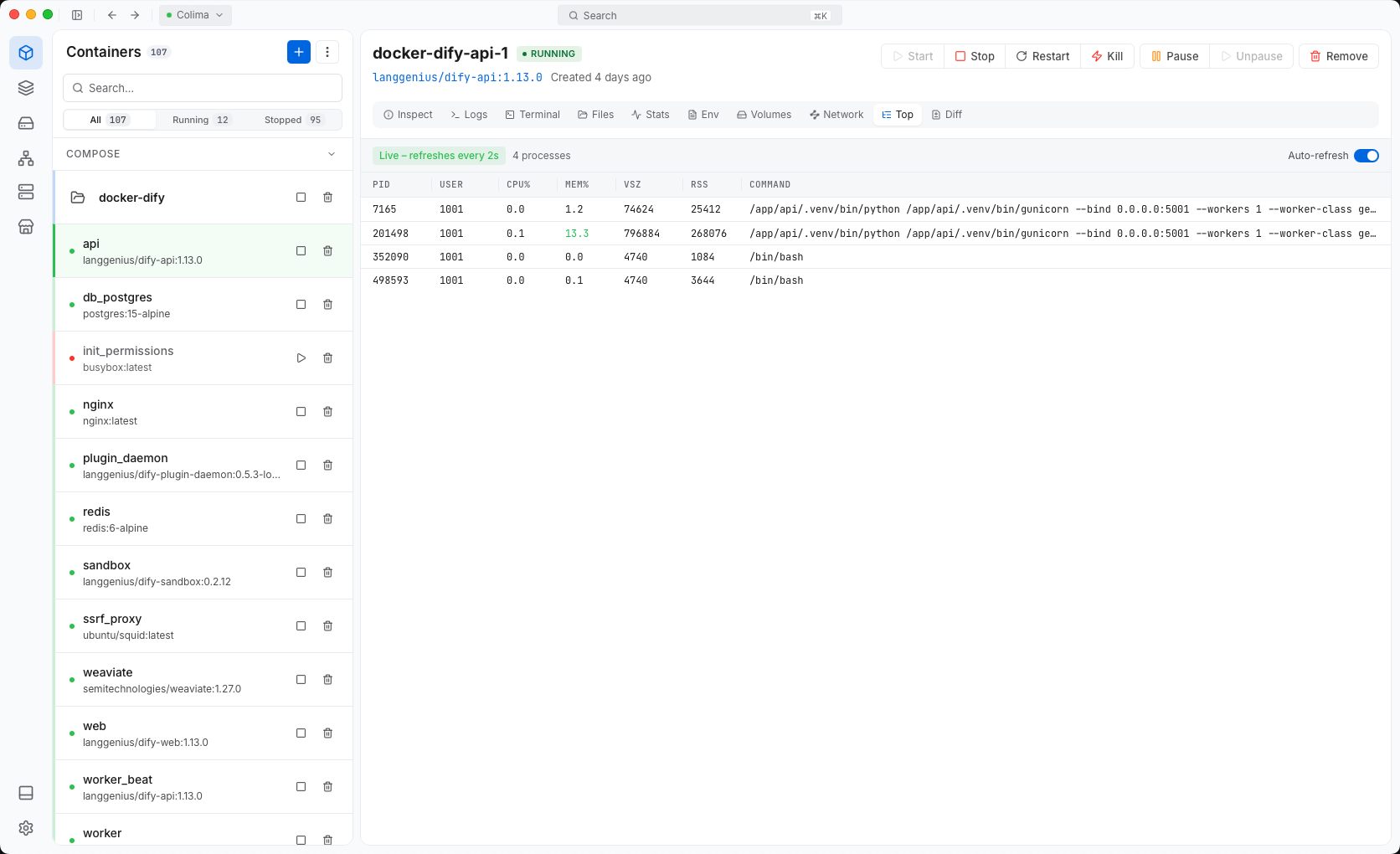
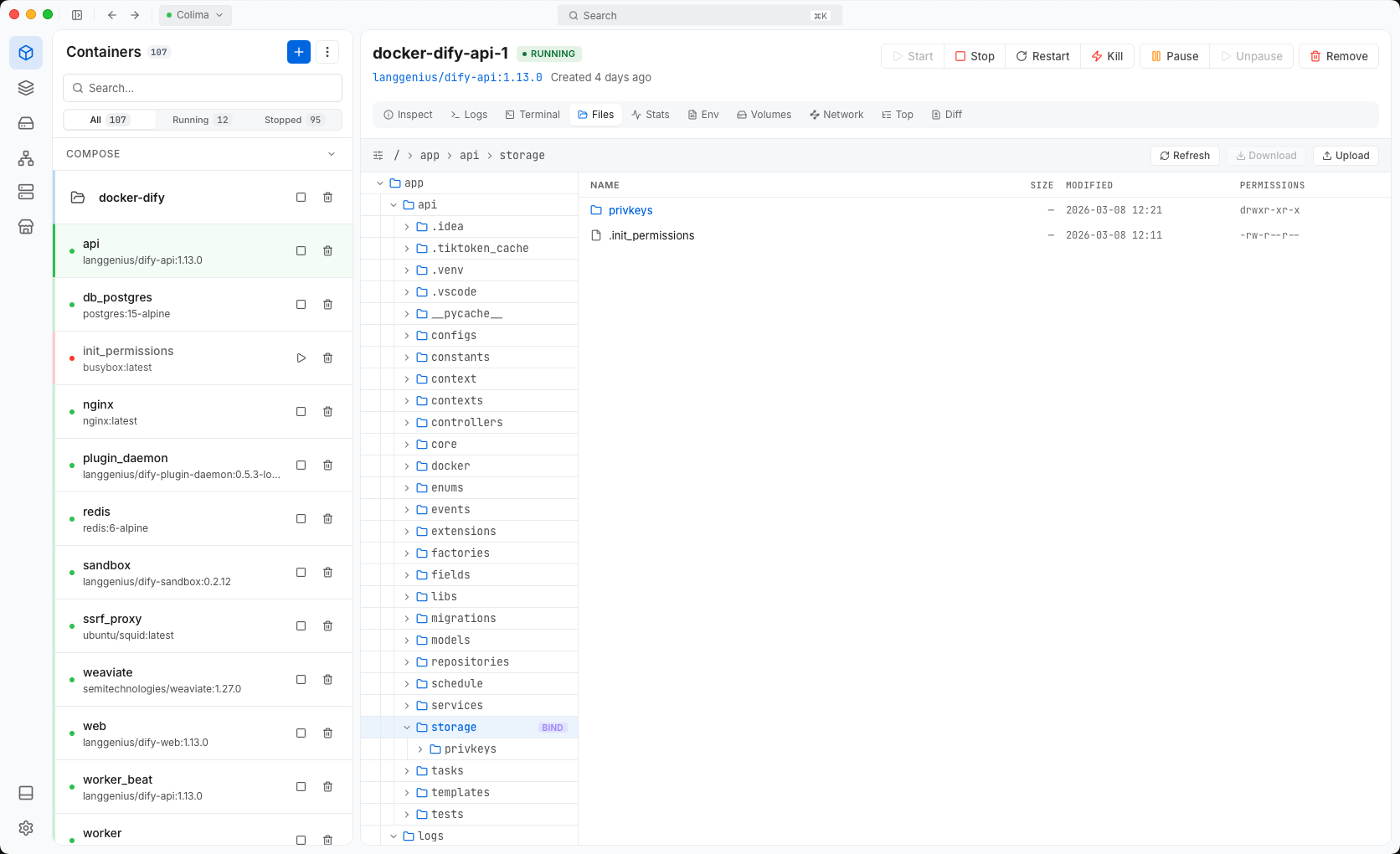
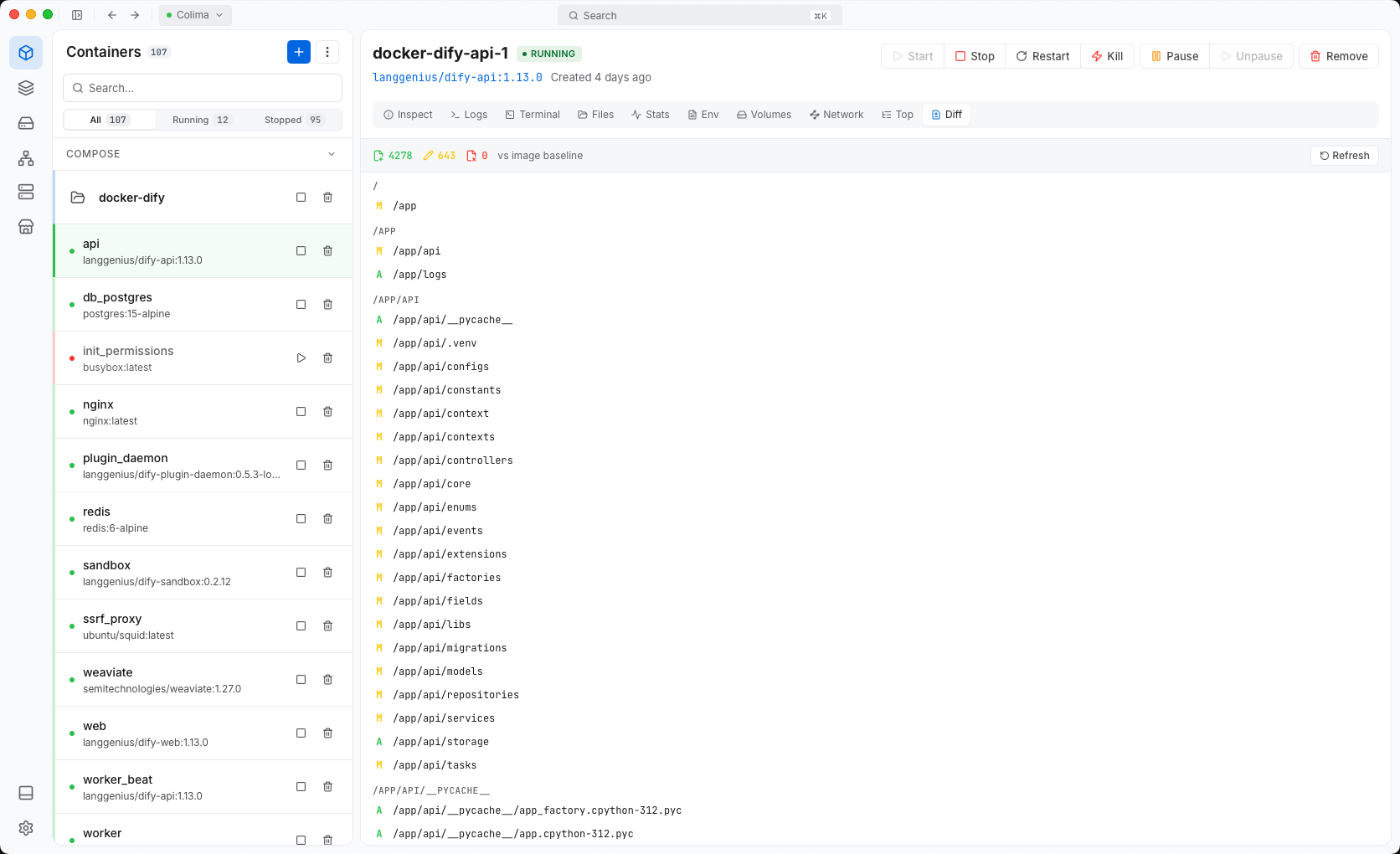
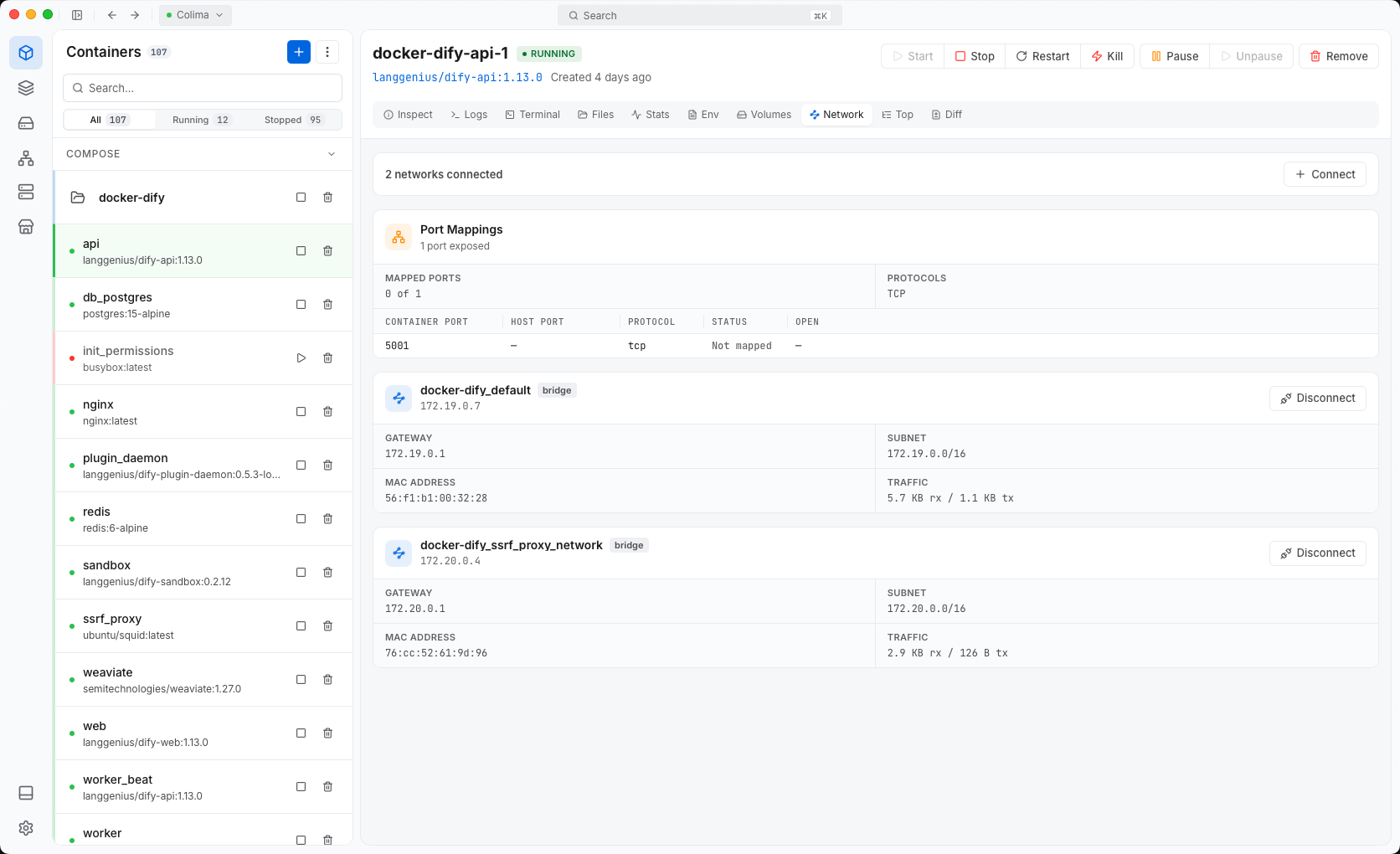
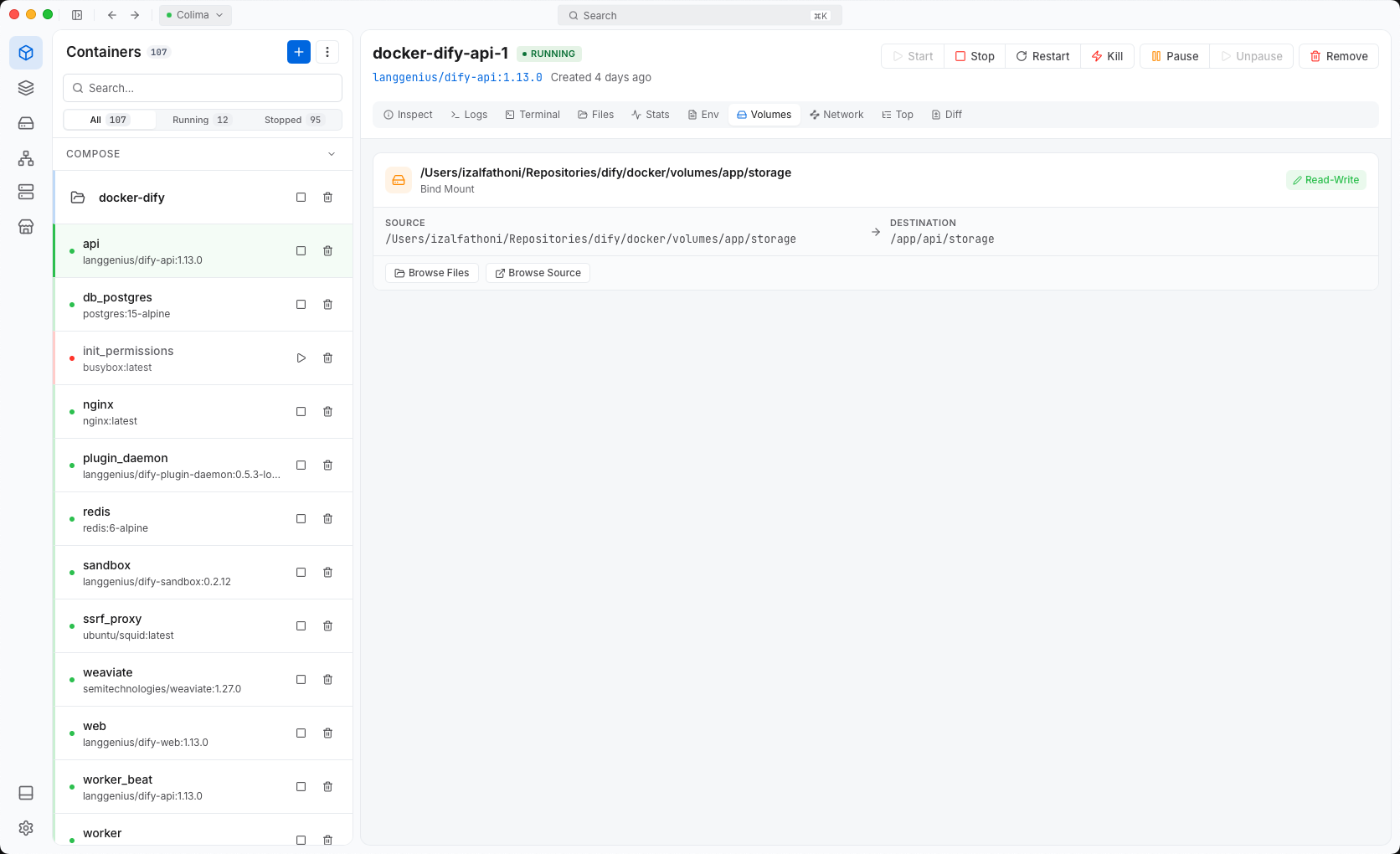
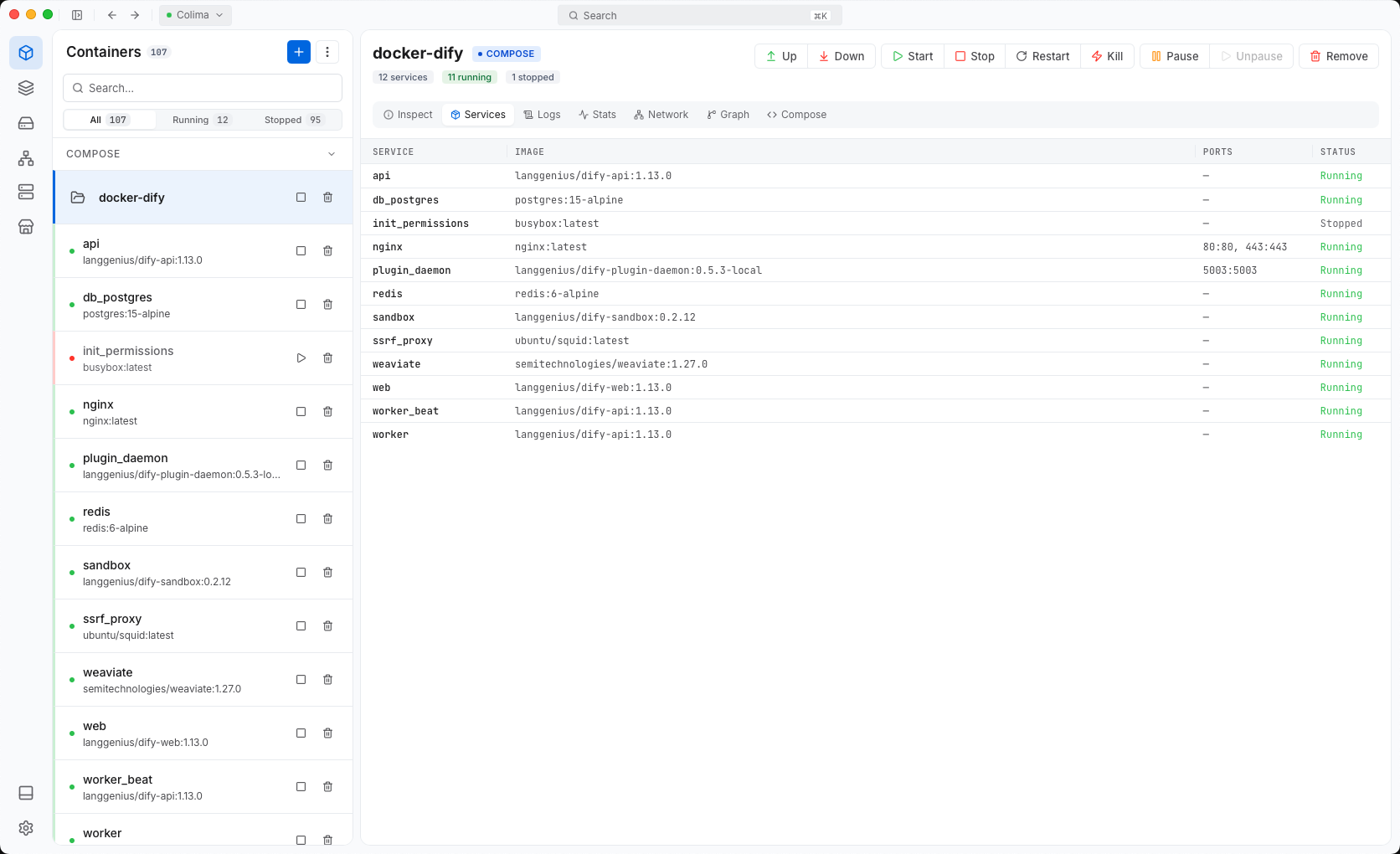
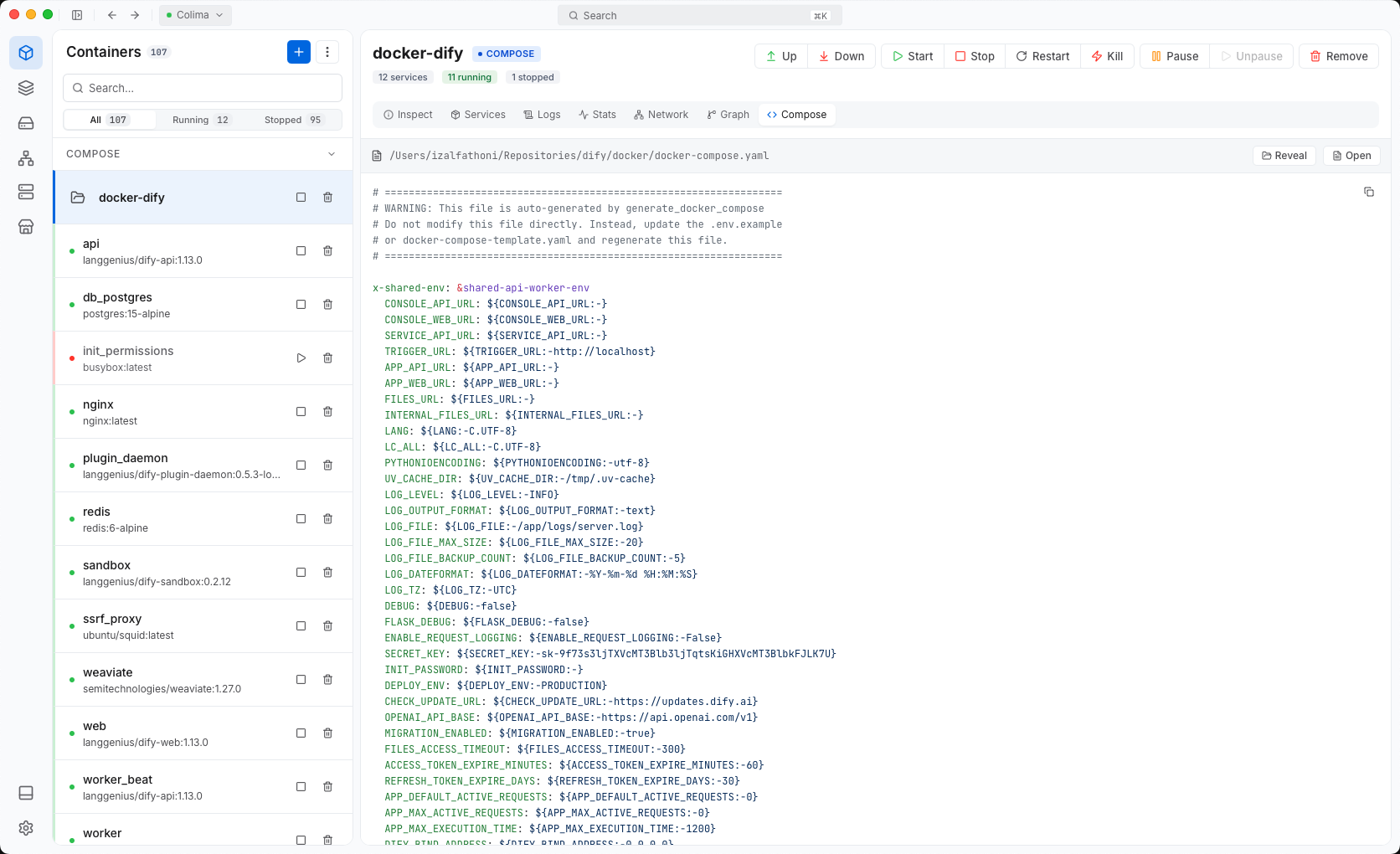
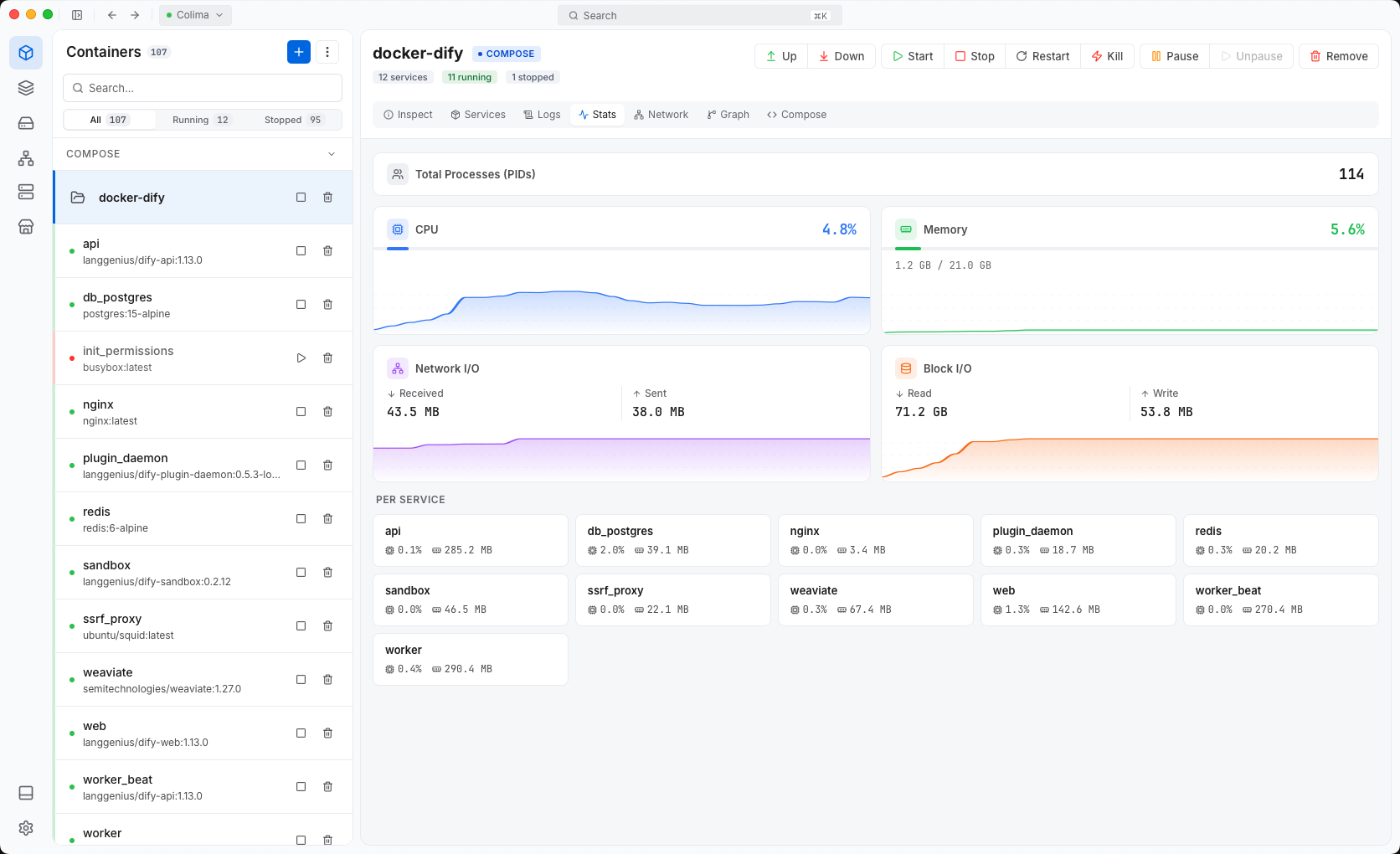
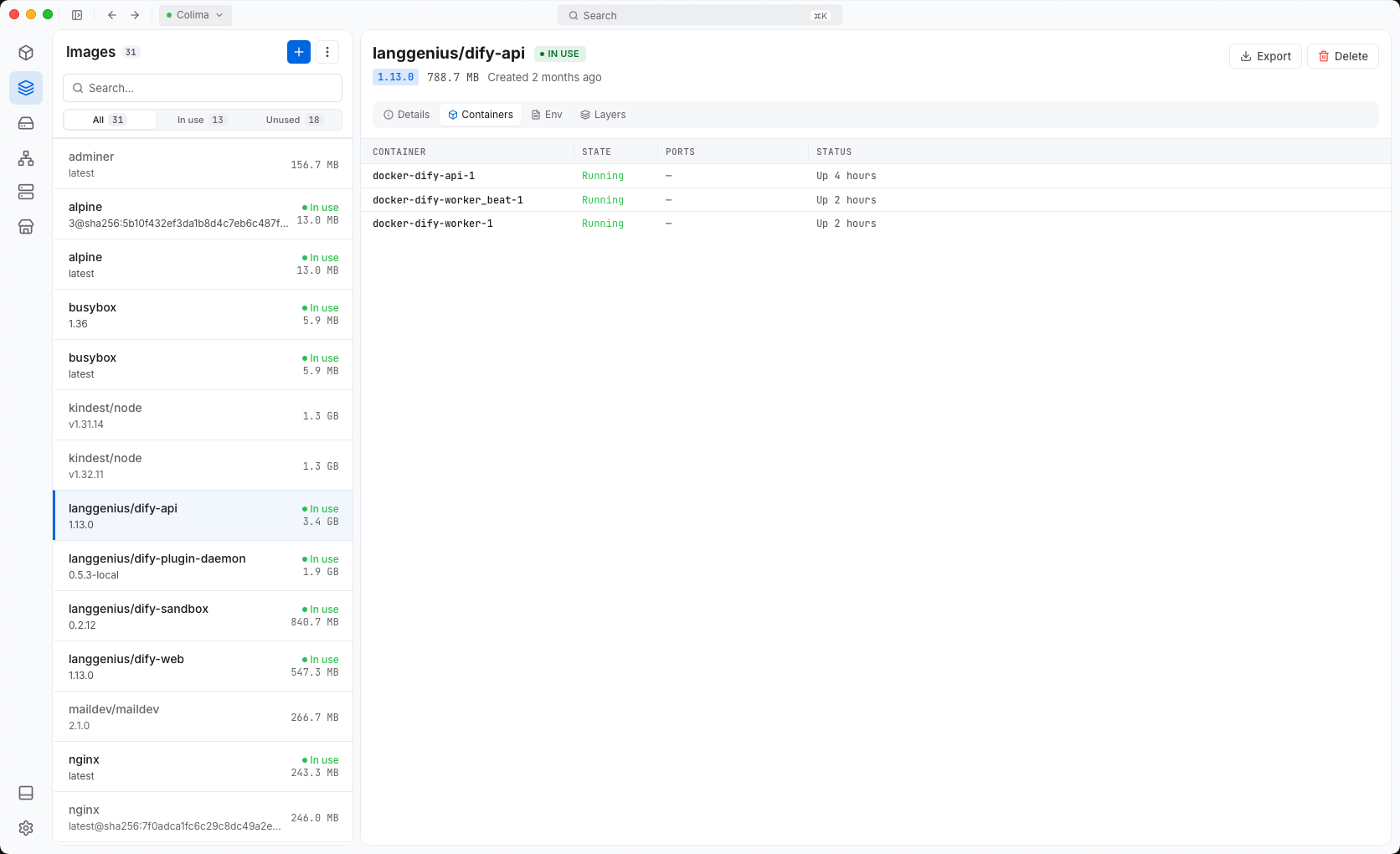
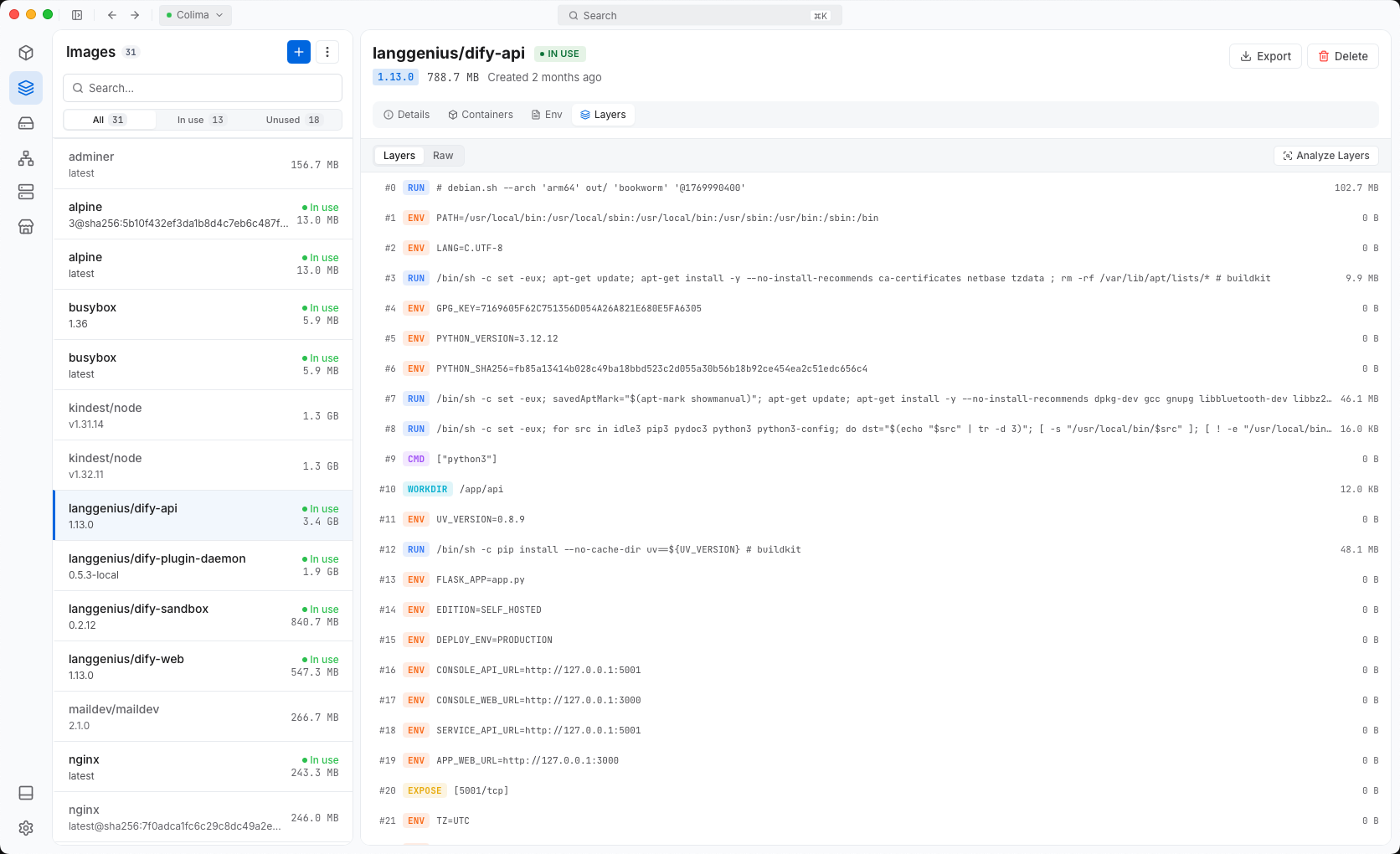
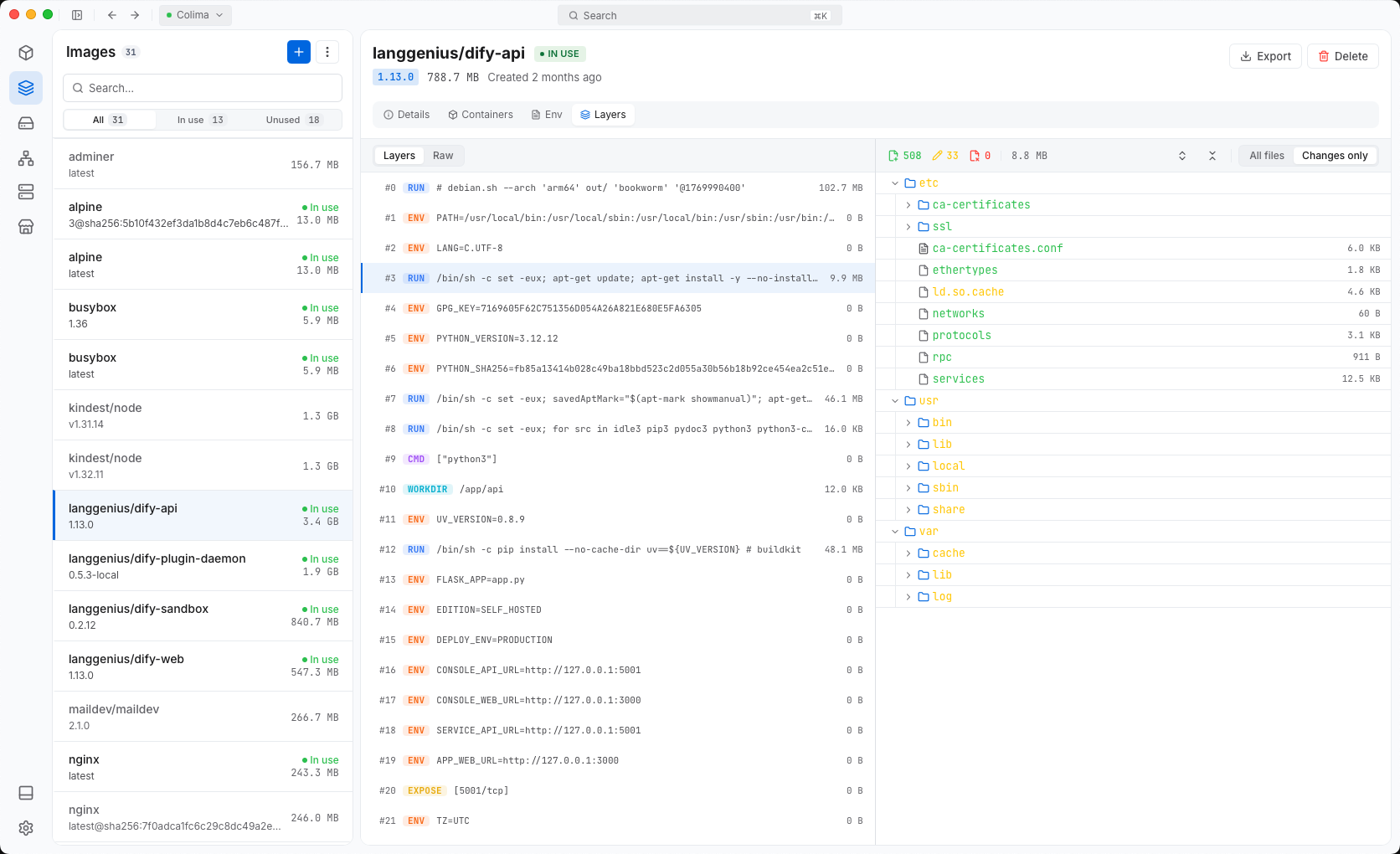
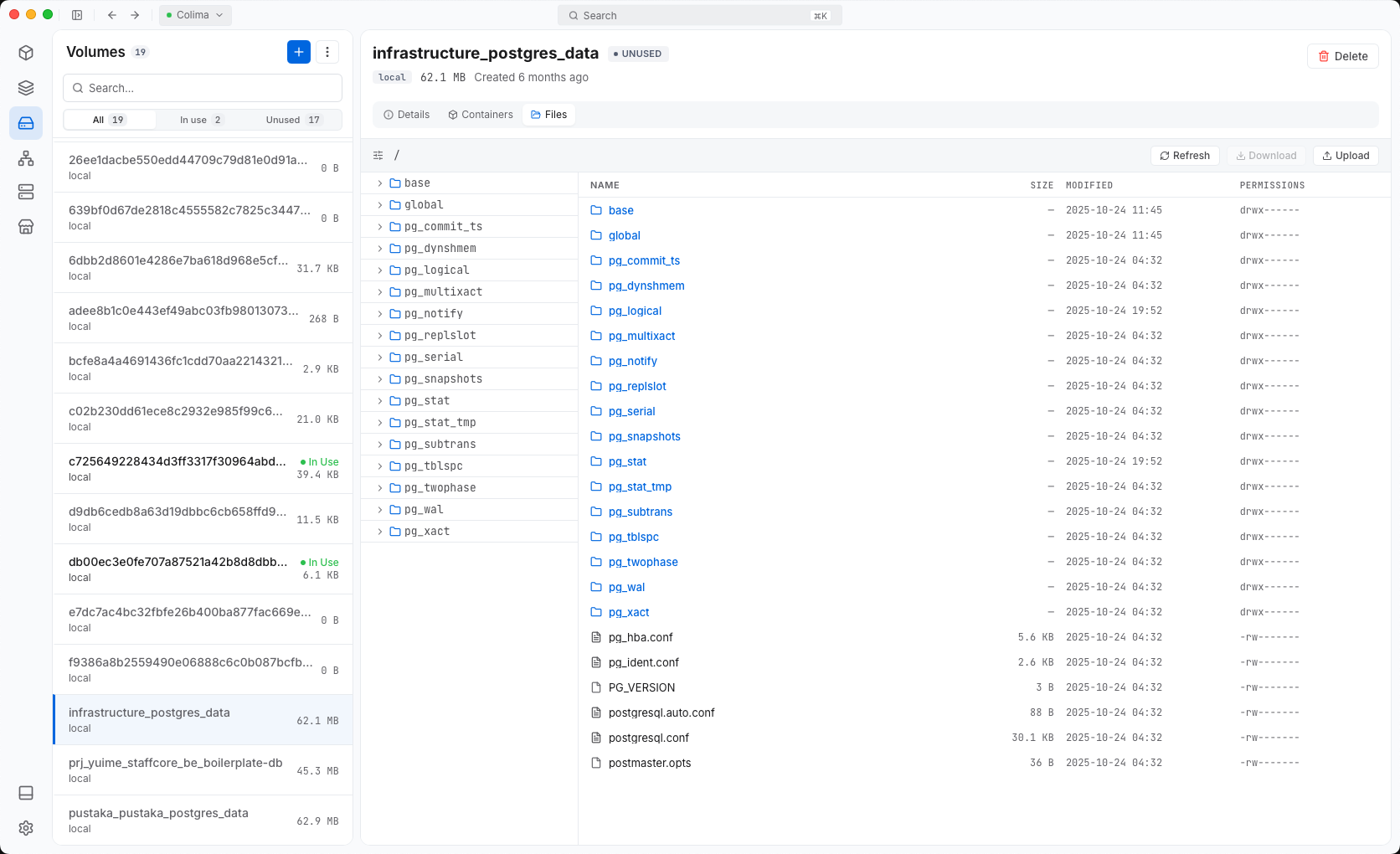
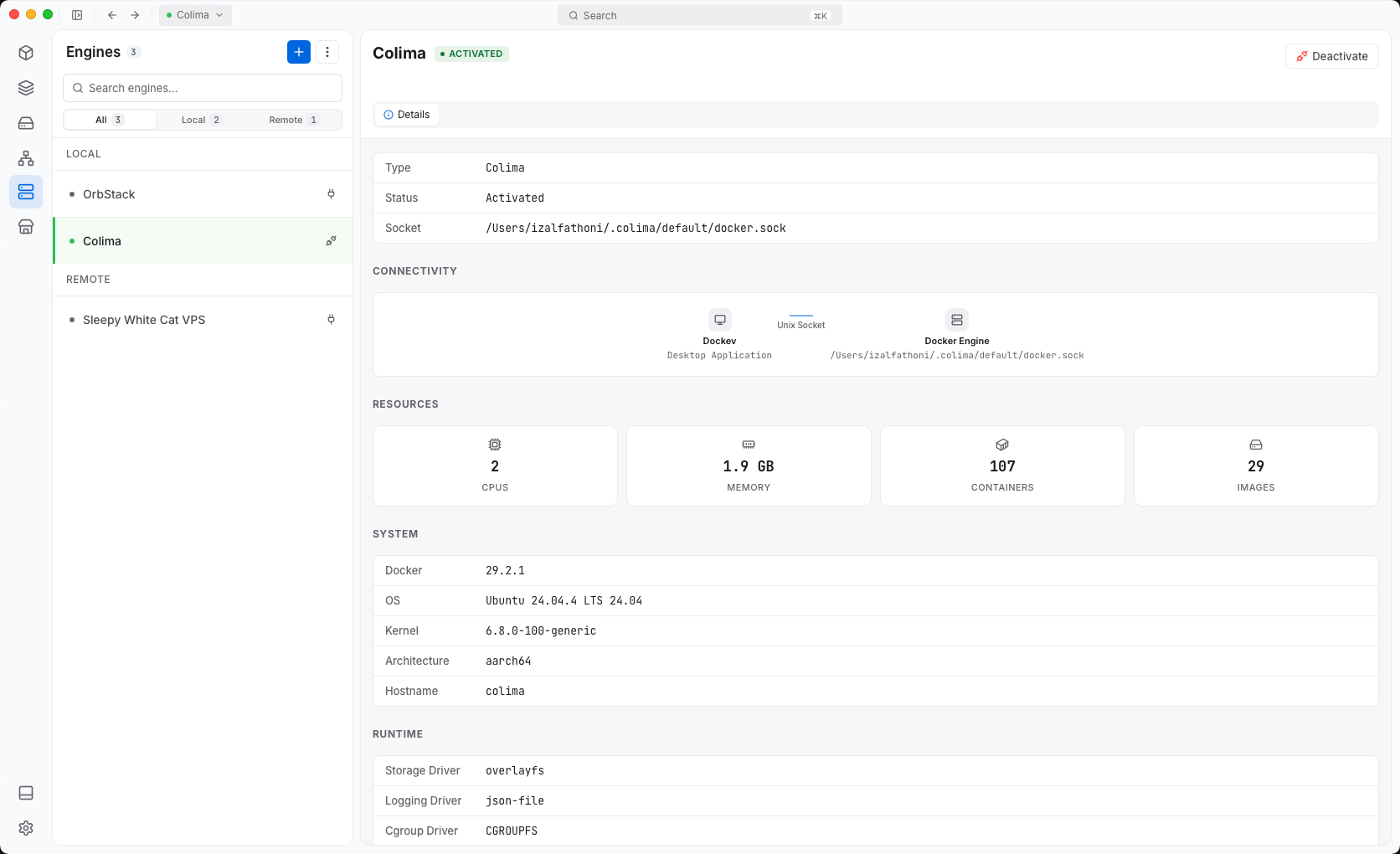
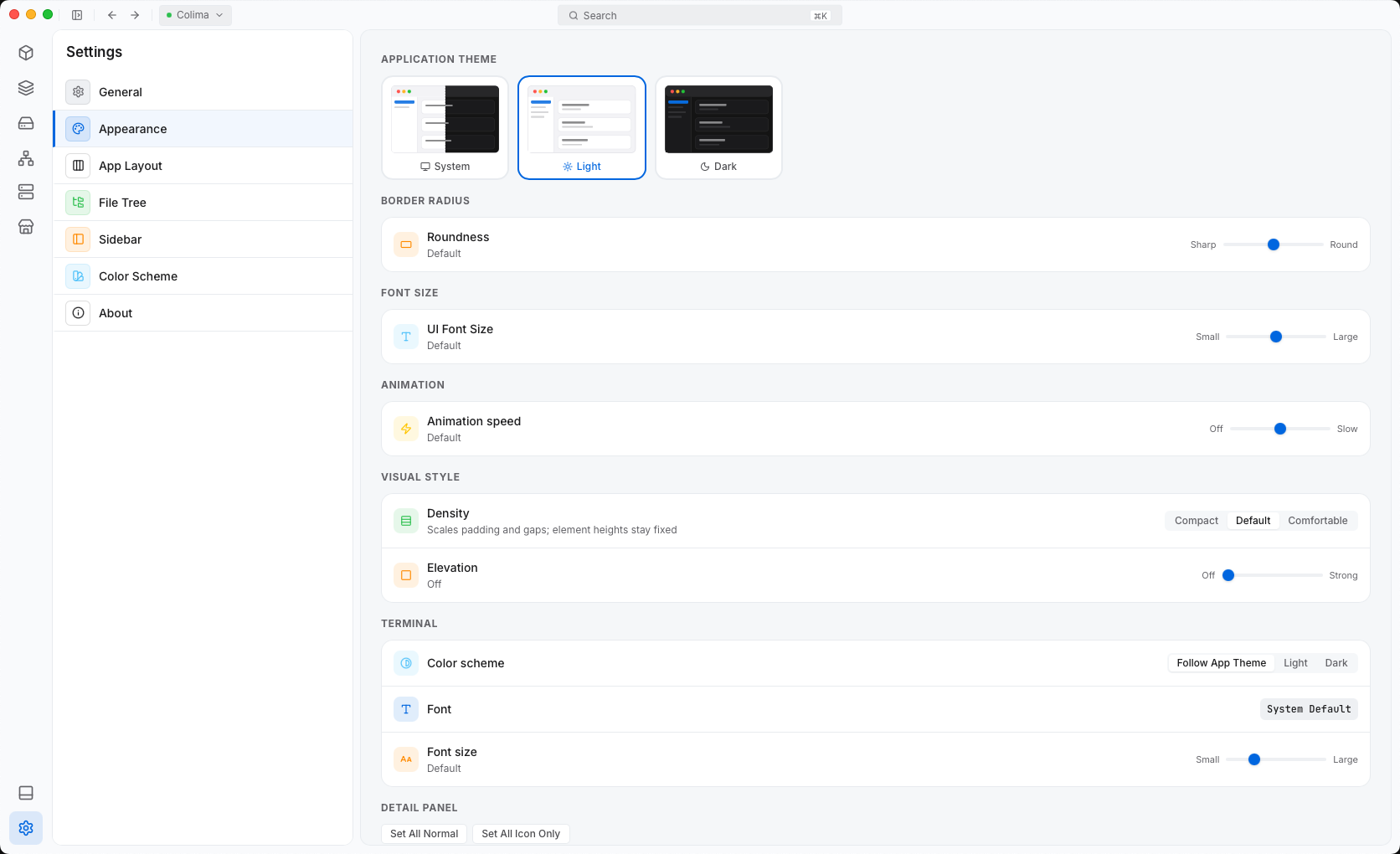
Your laptop, staging and production, over socket, SSH or TLS.
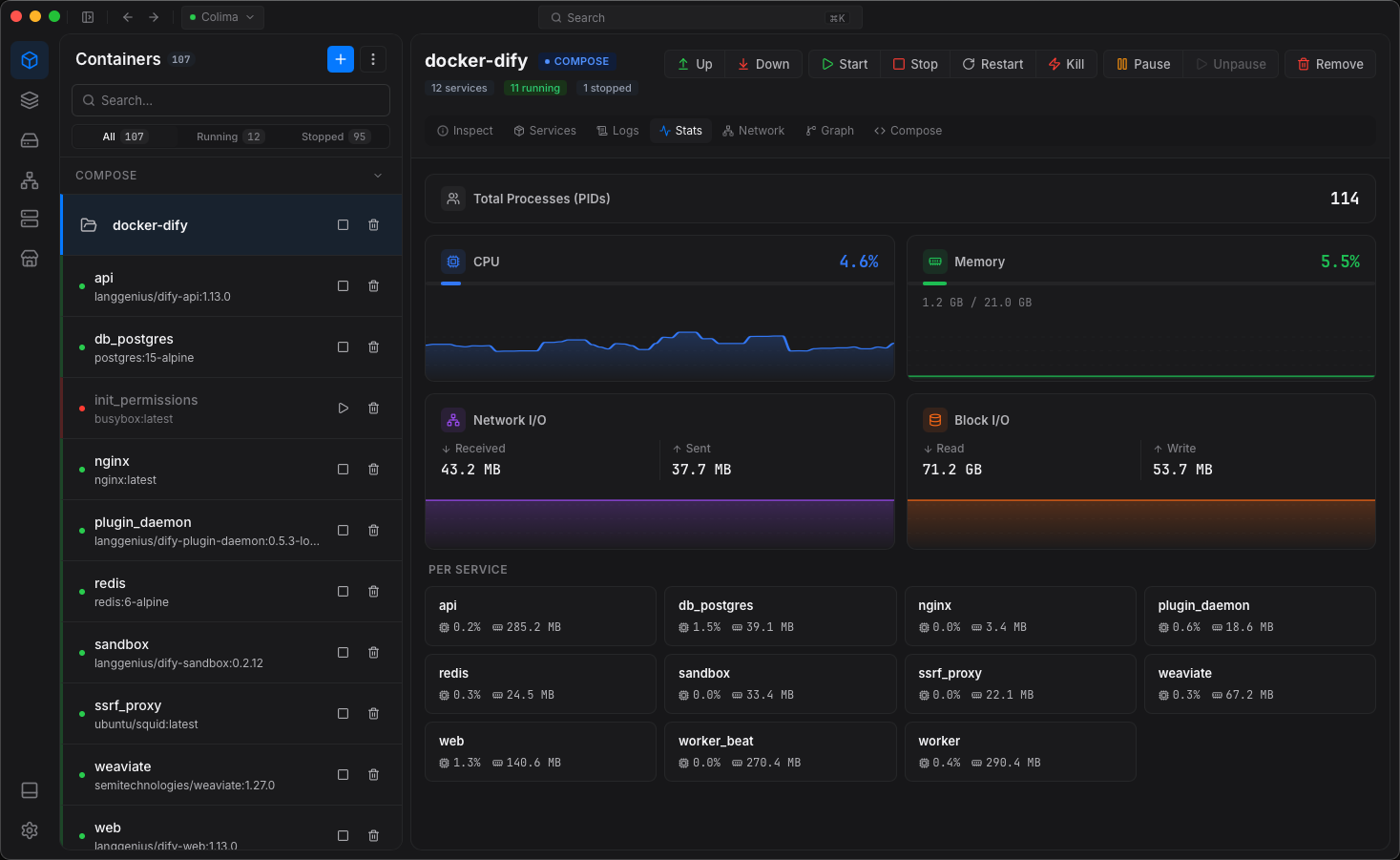
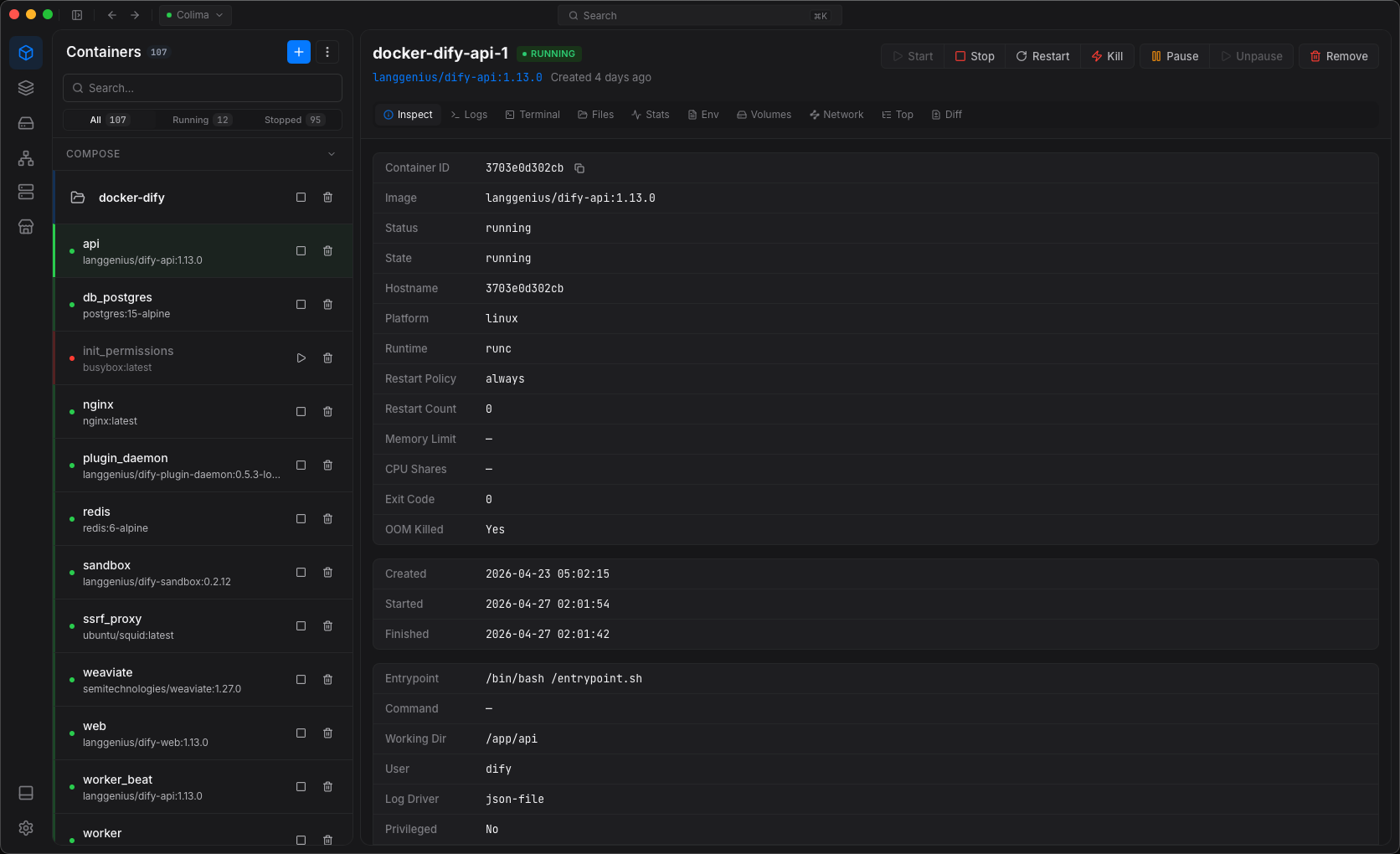
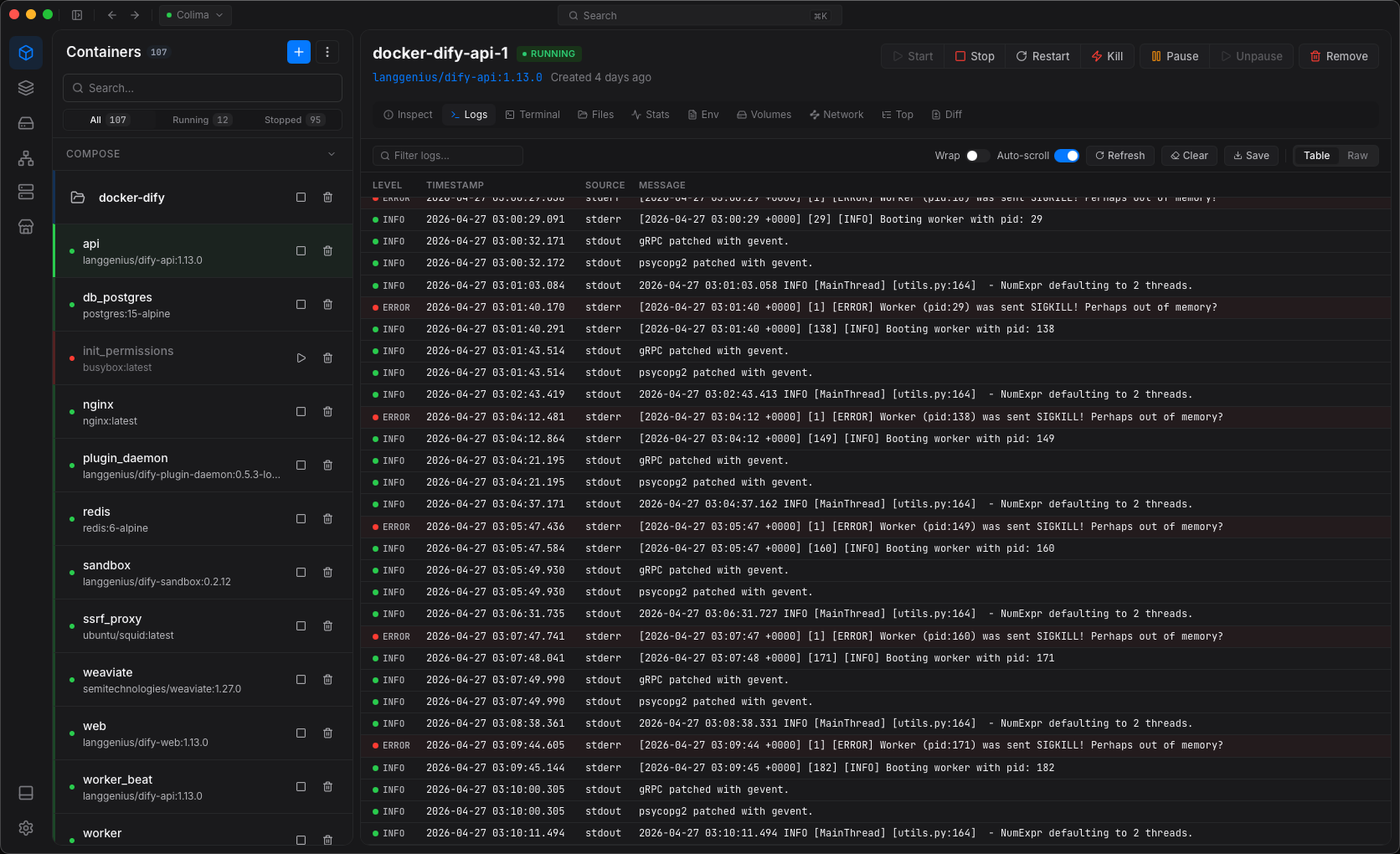
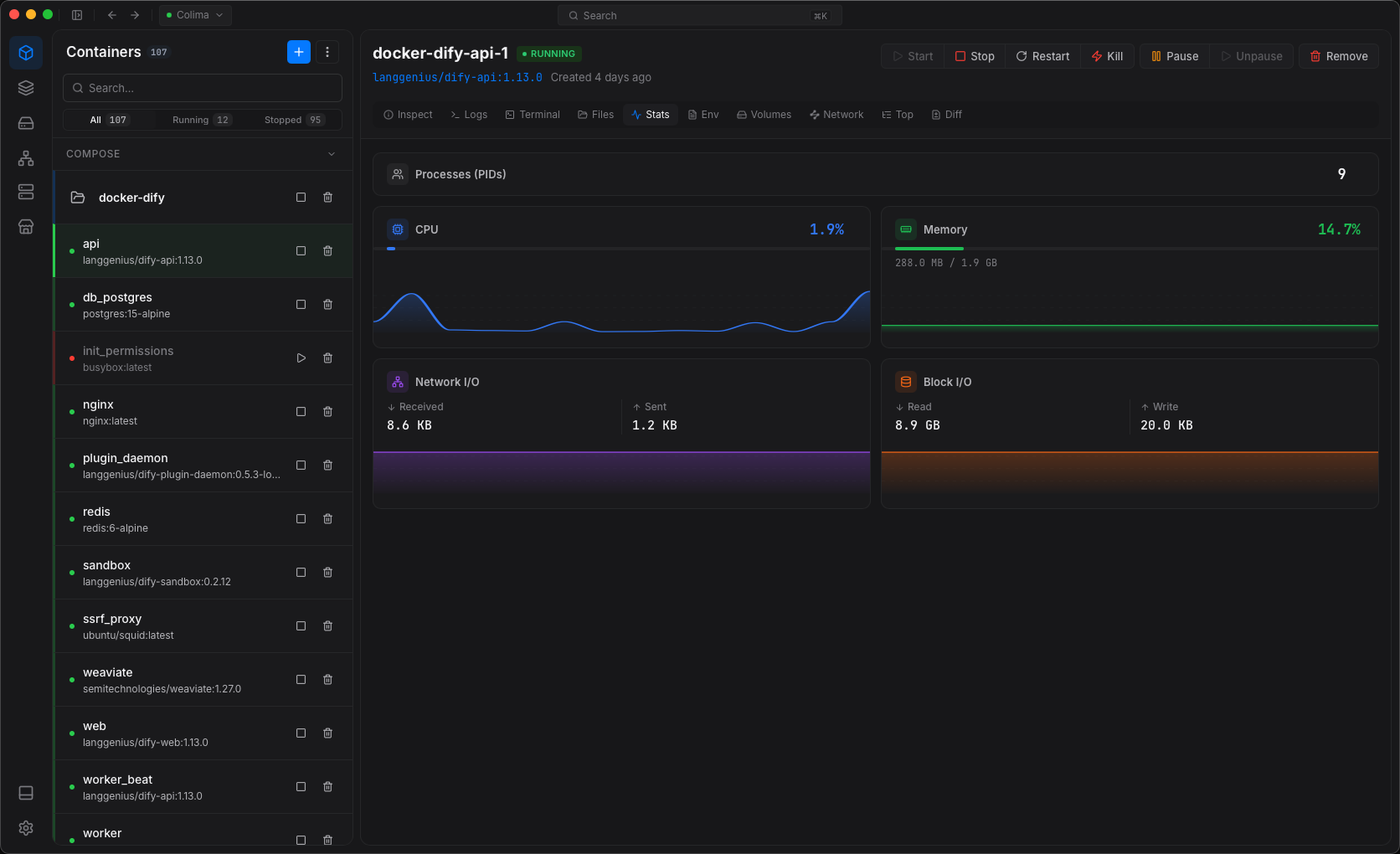
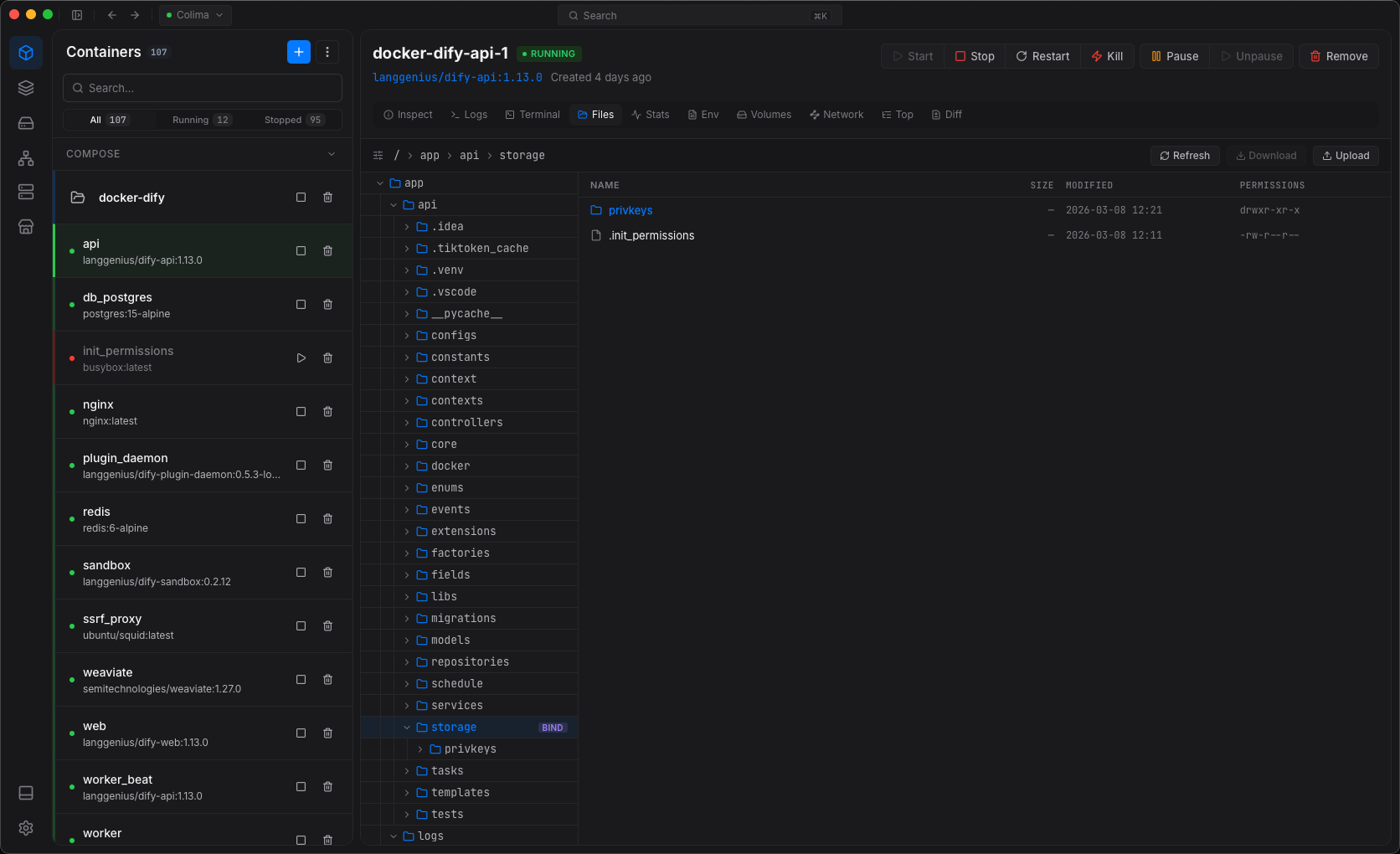
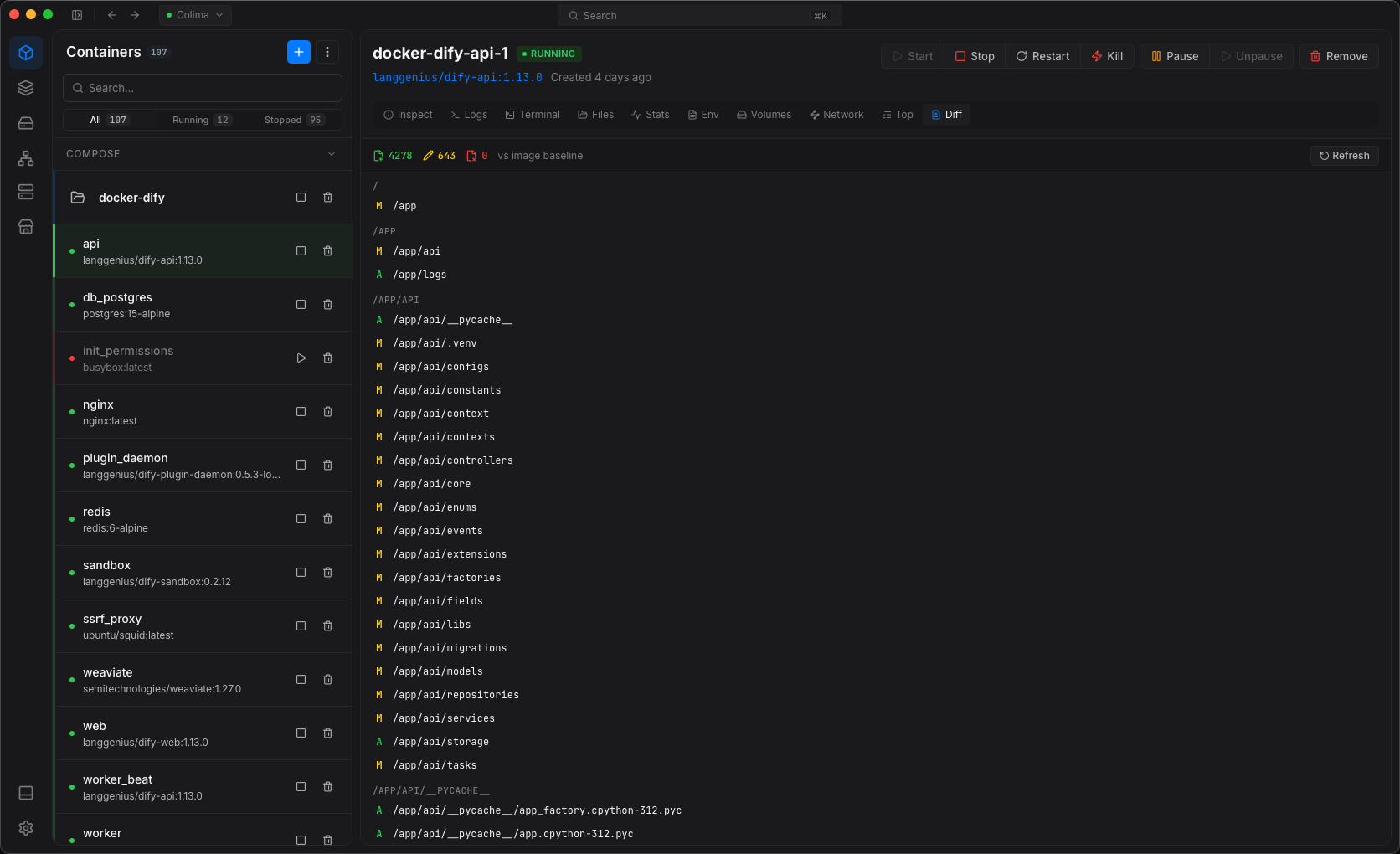
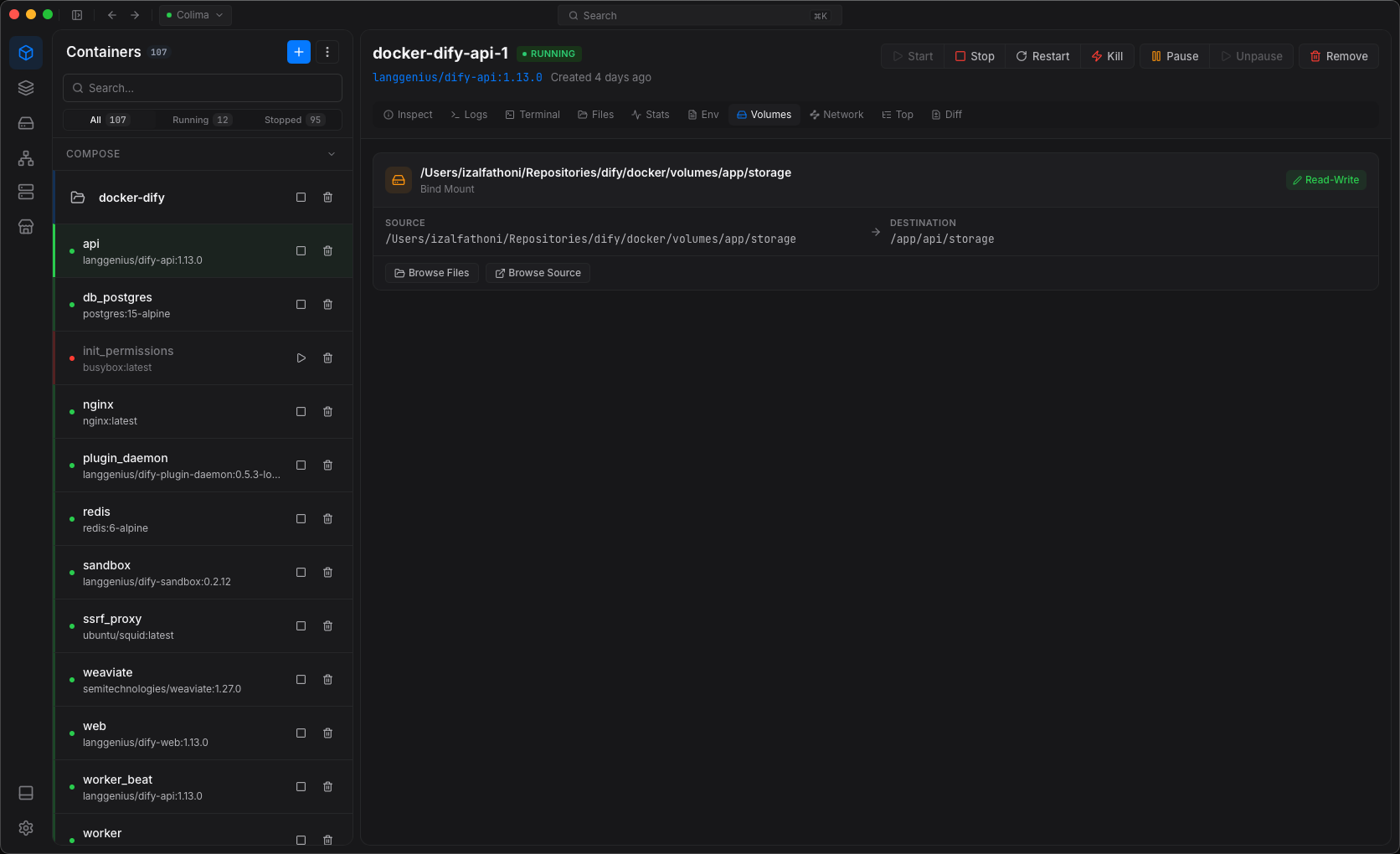
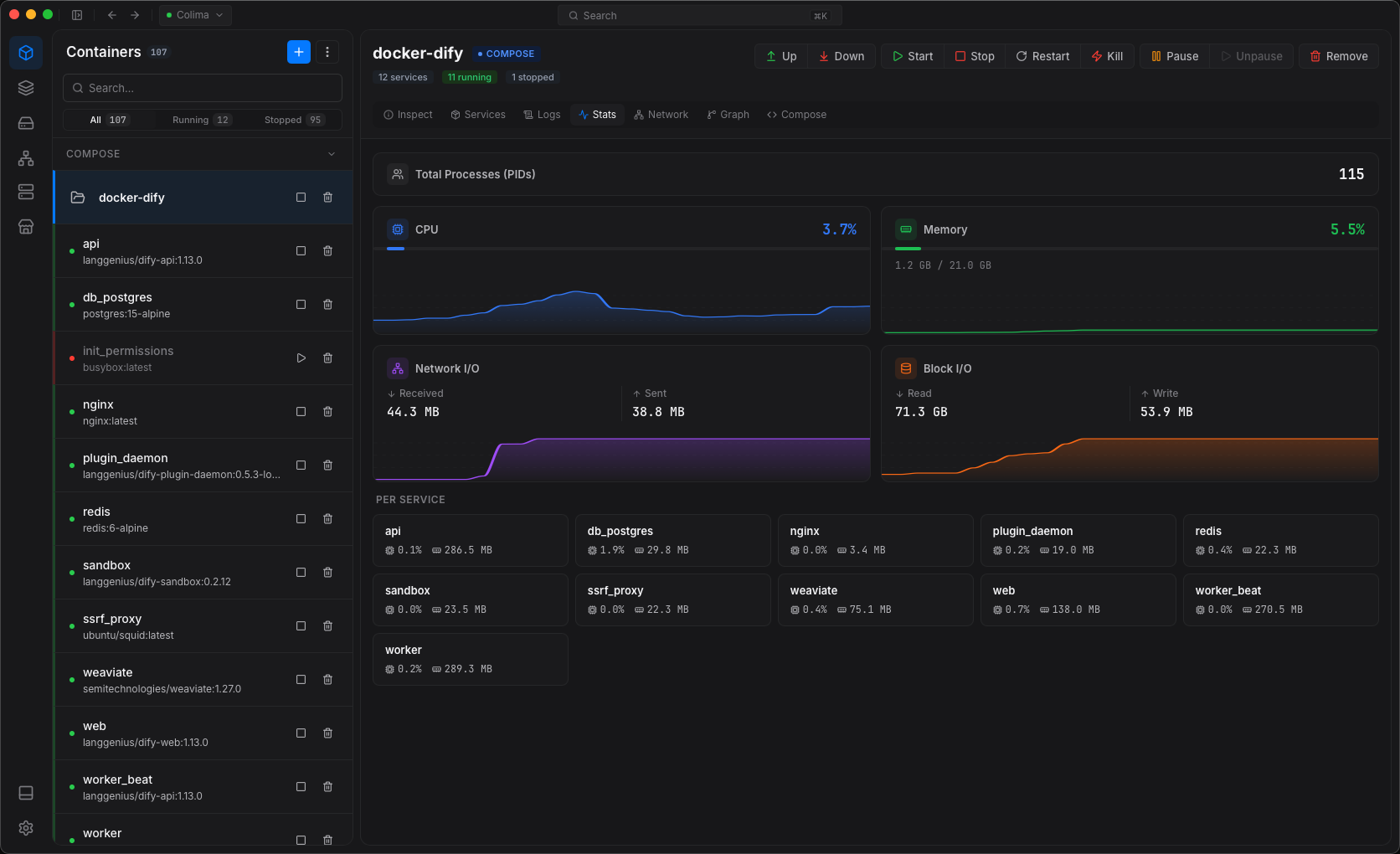
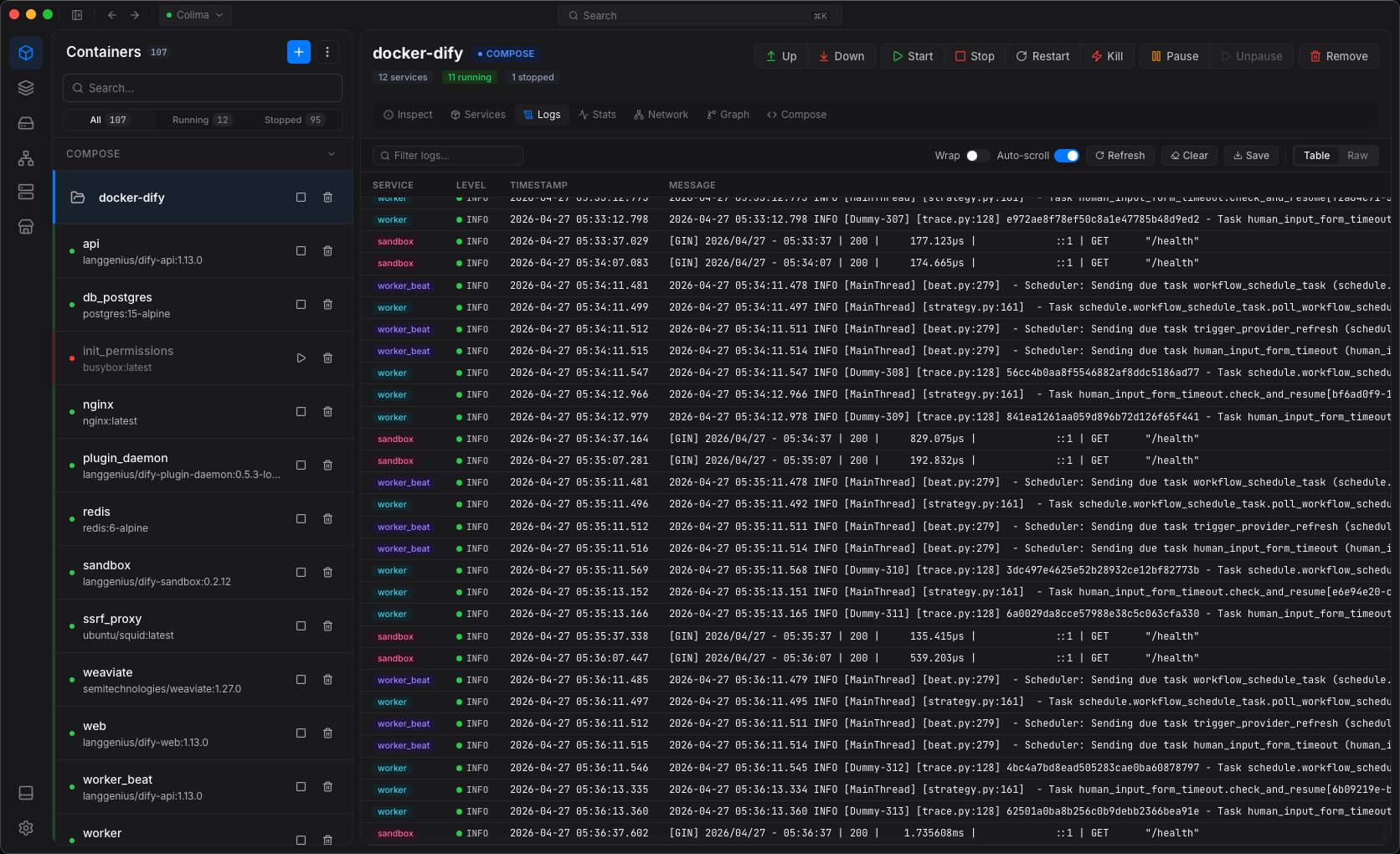
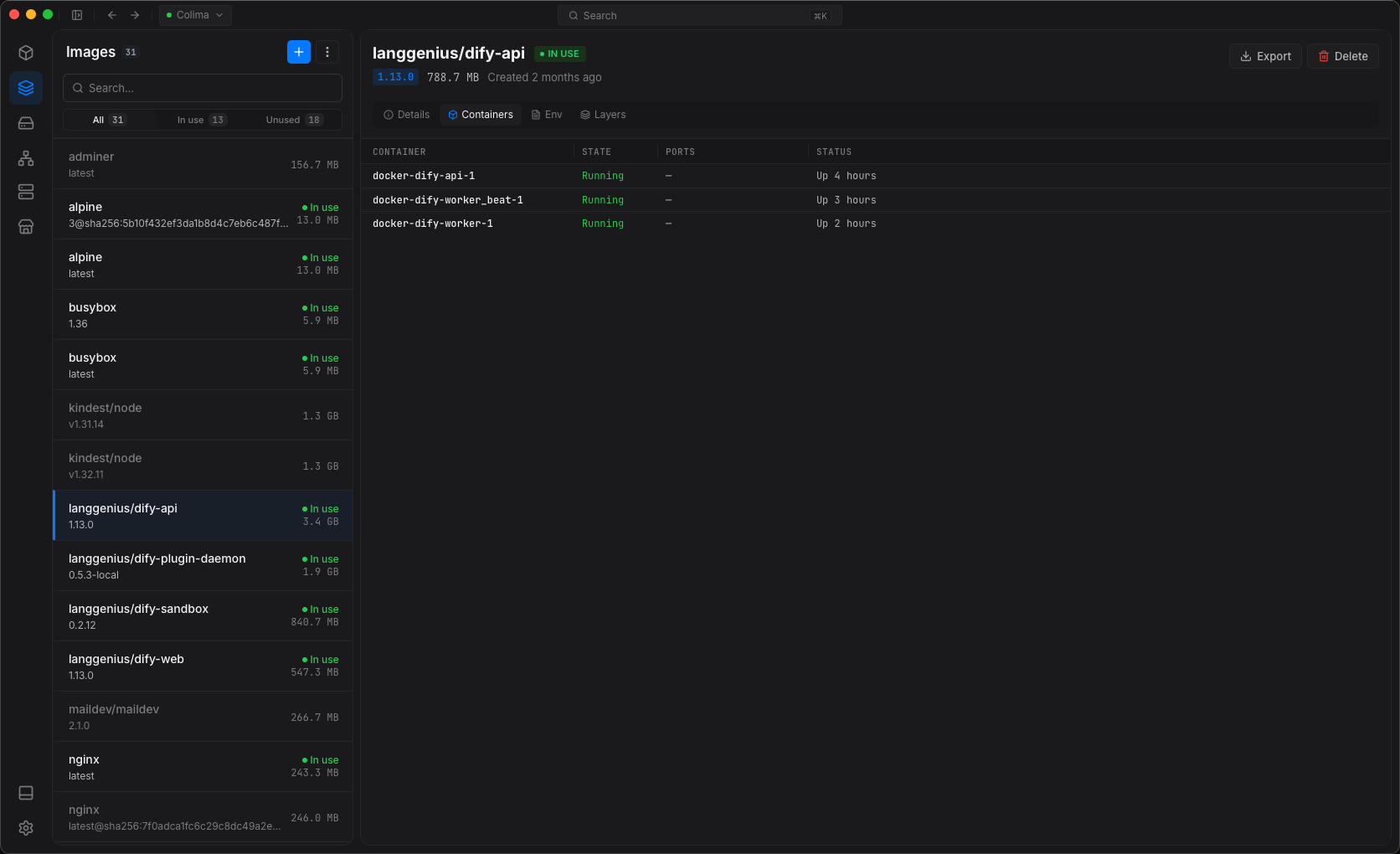
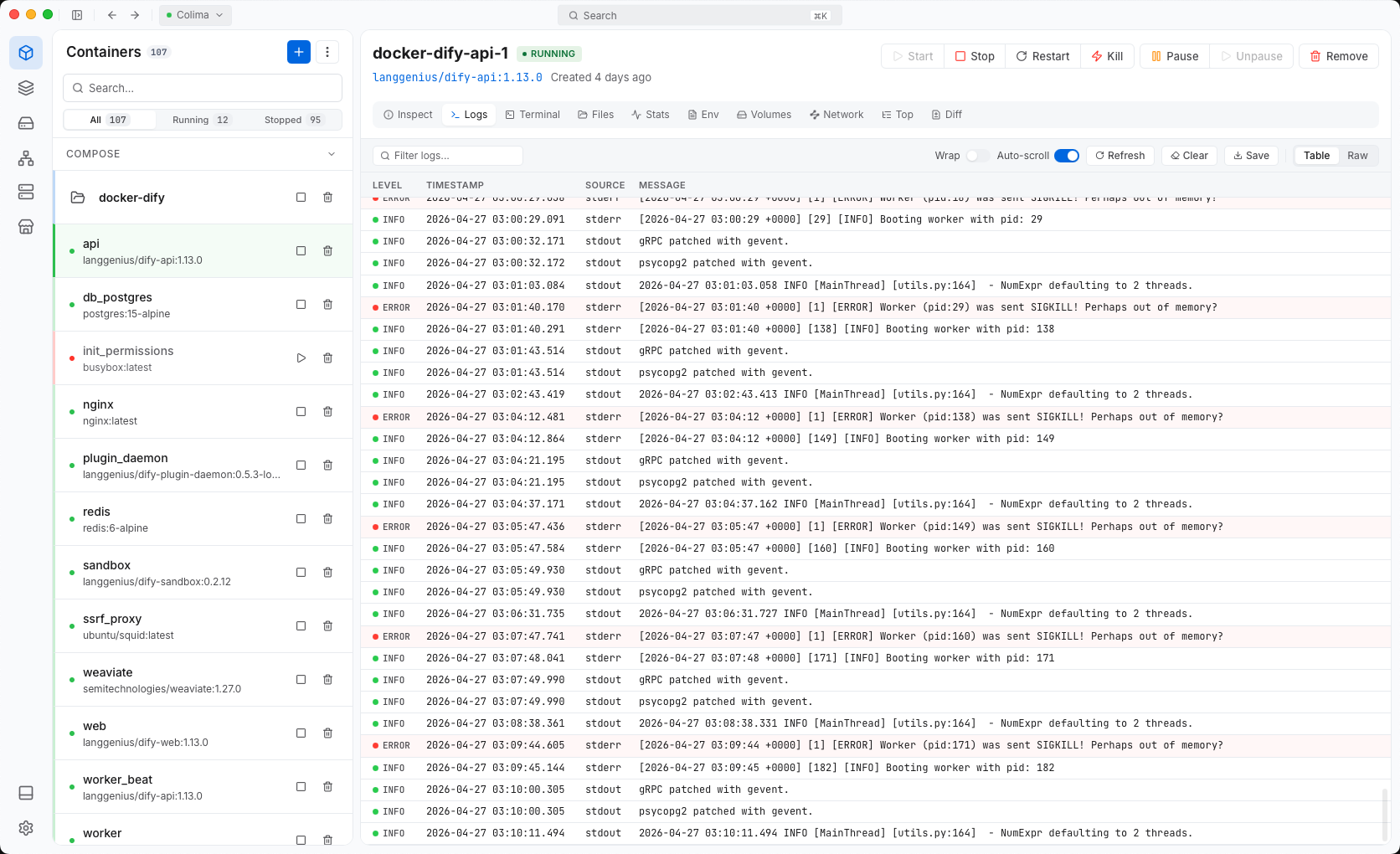
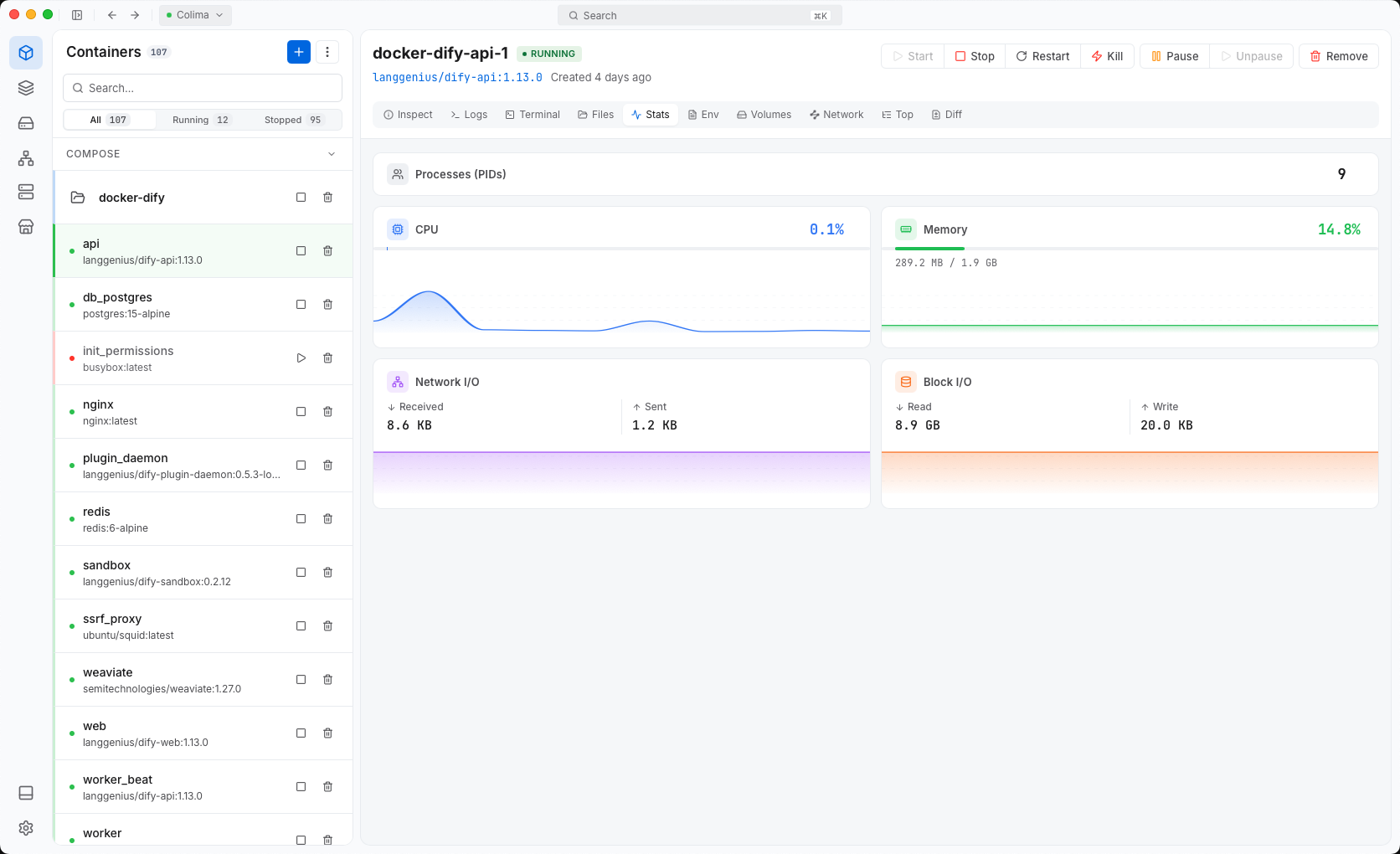
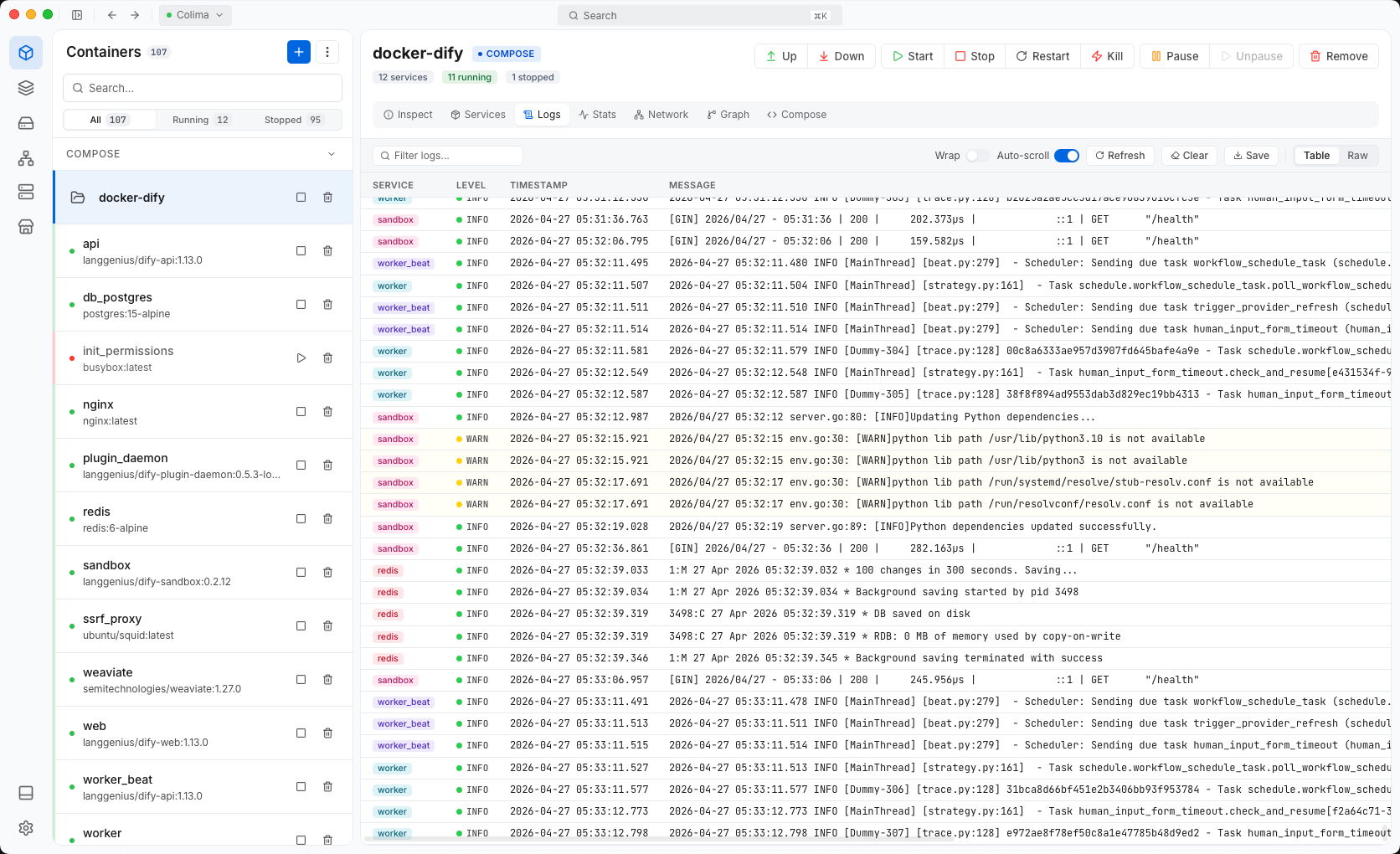
Logs, shells and stats side by side.
Pods, deployments and services for any context.
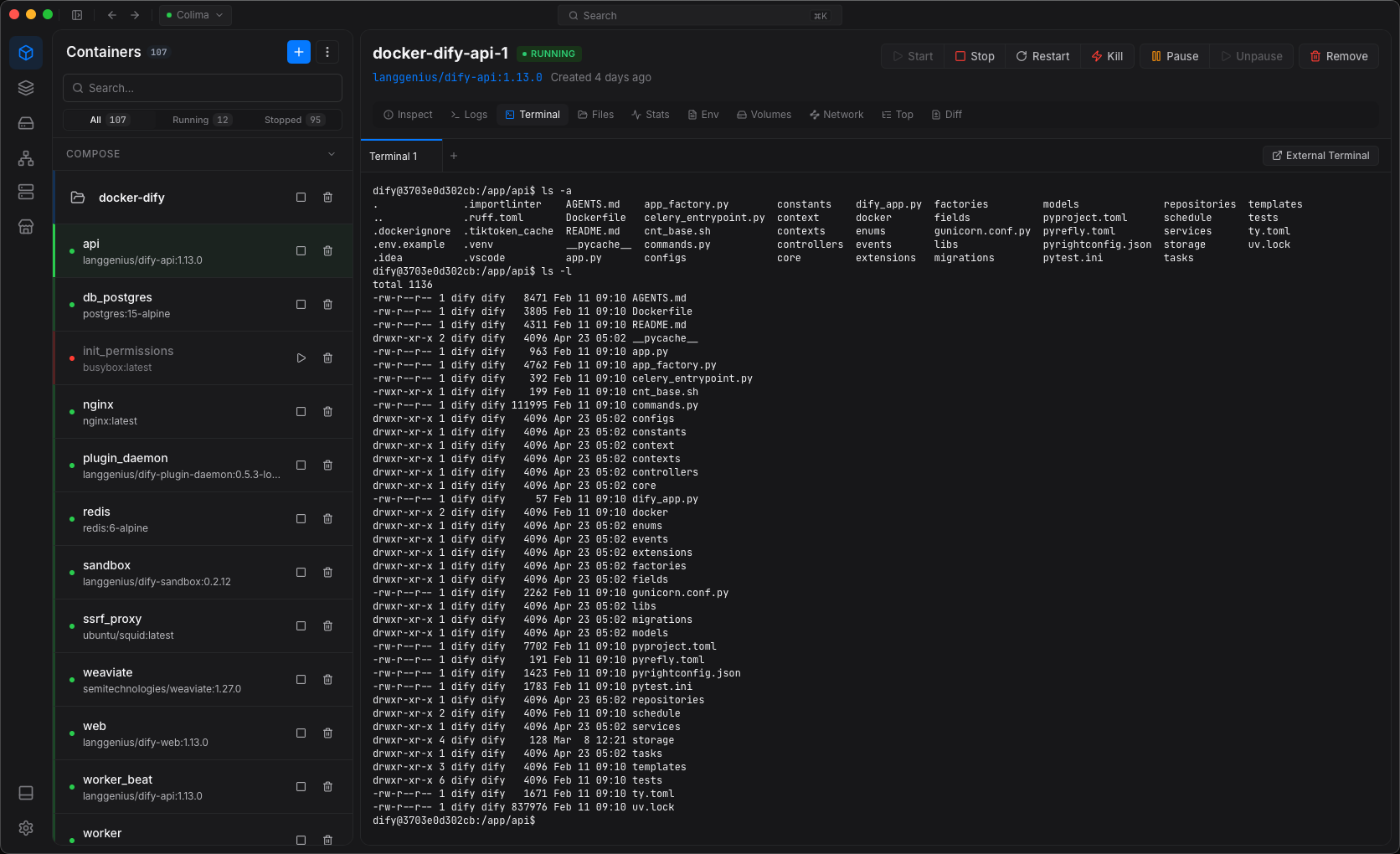
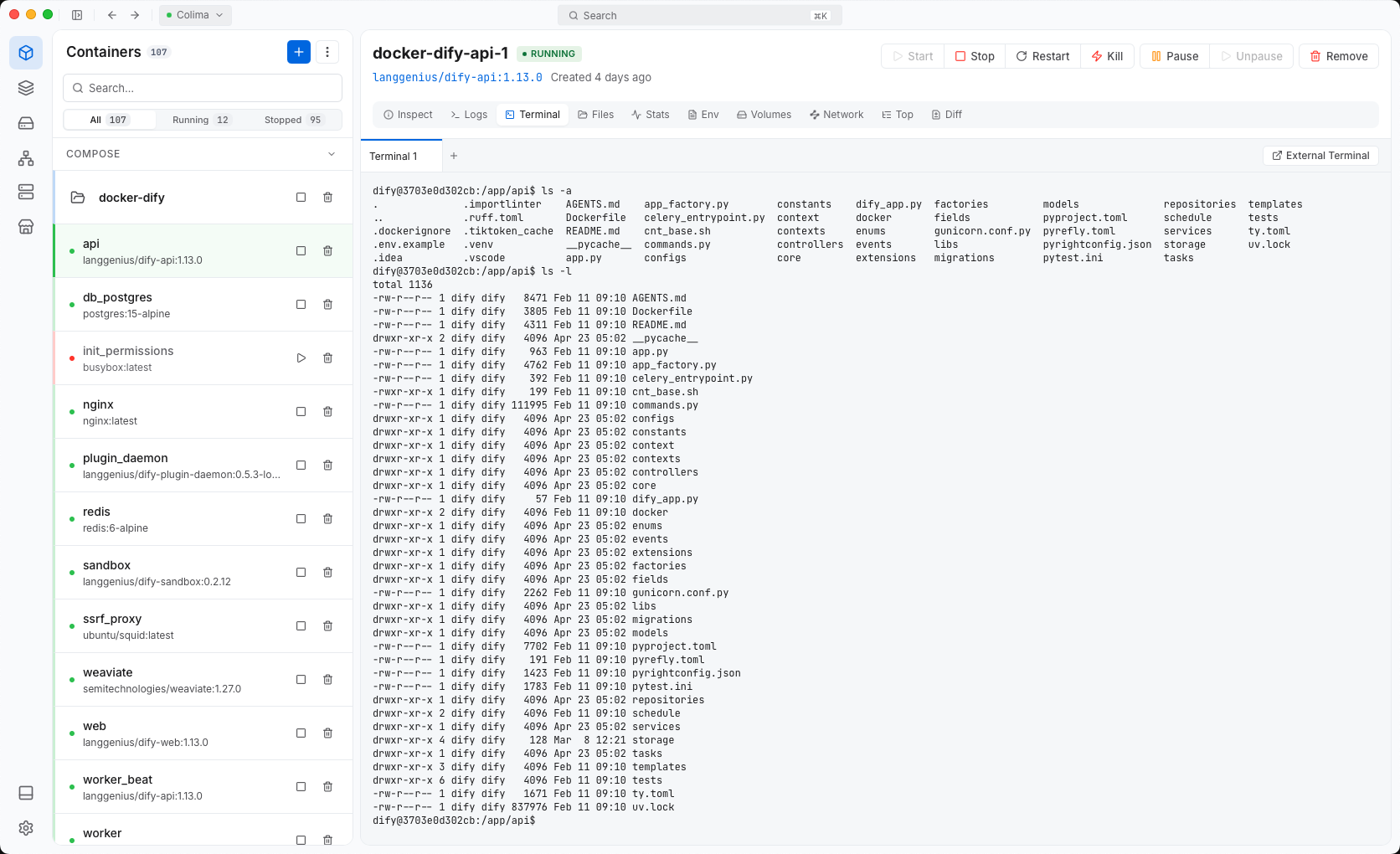
Open a shell in a container, on your machine or on the host.
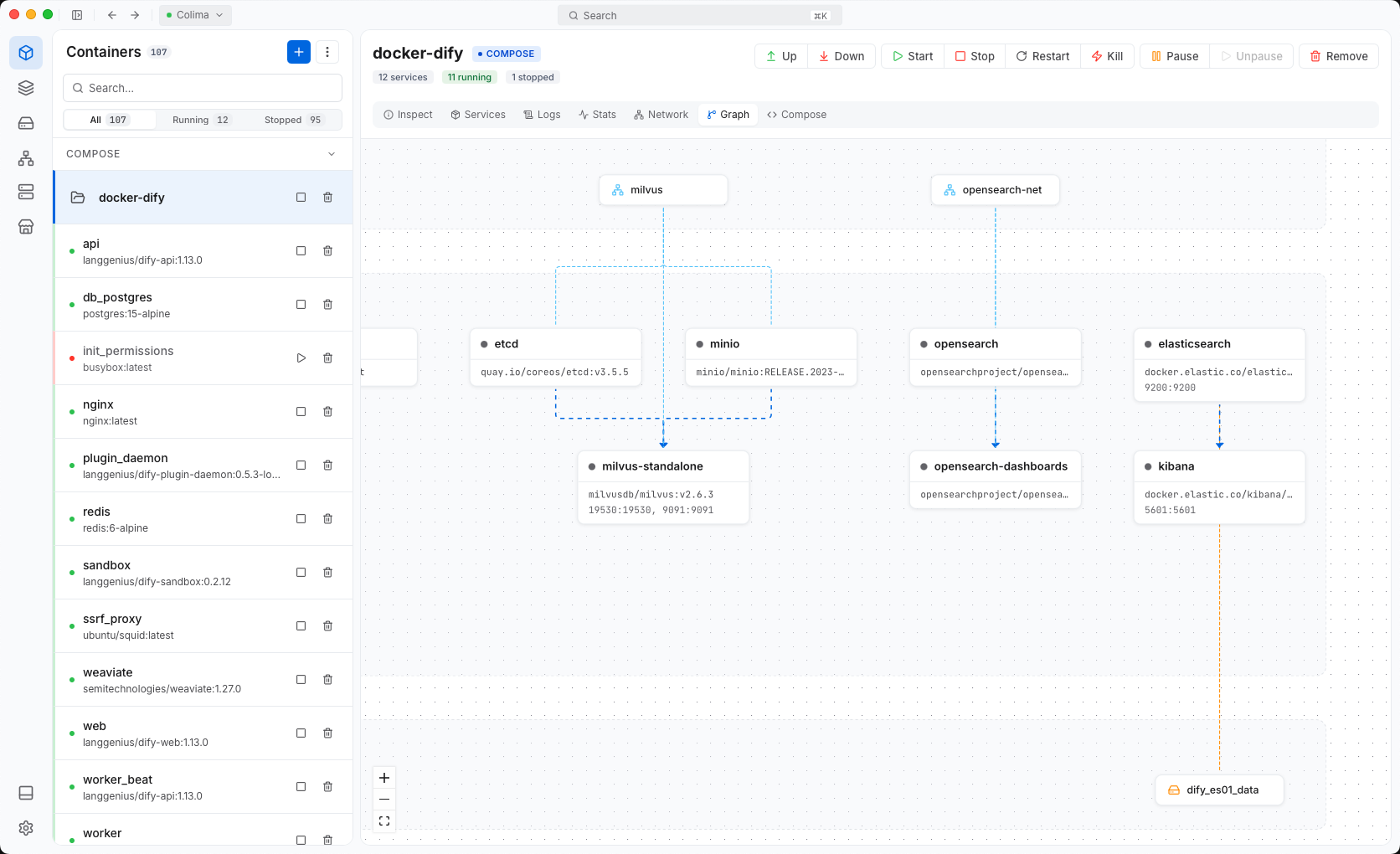
See services, tasks and which node runs each replica.
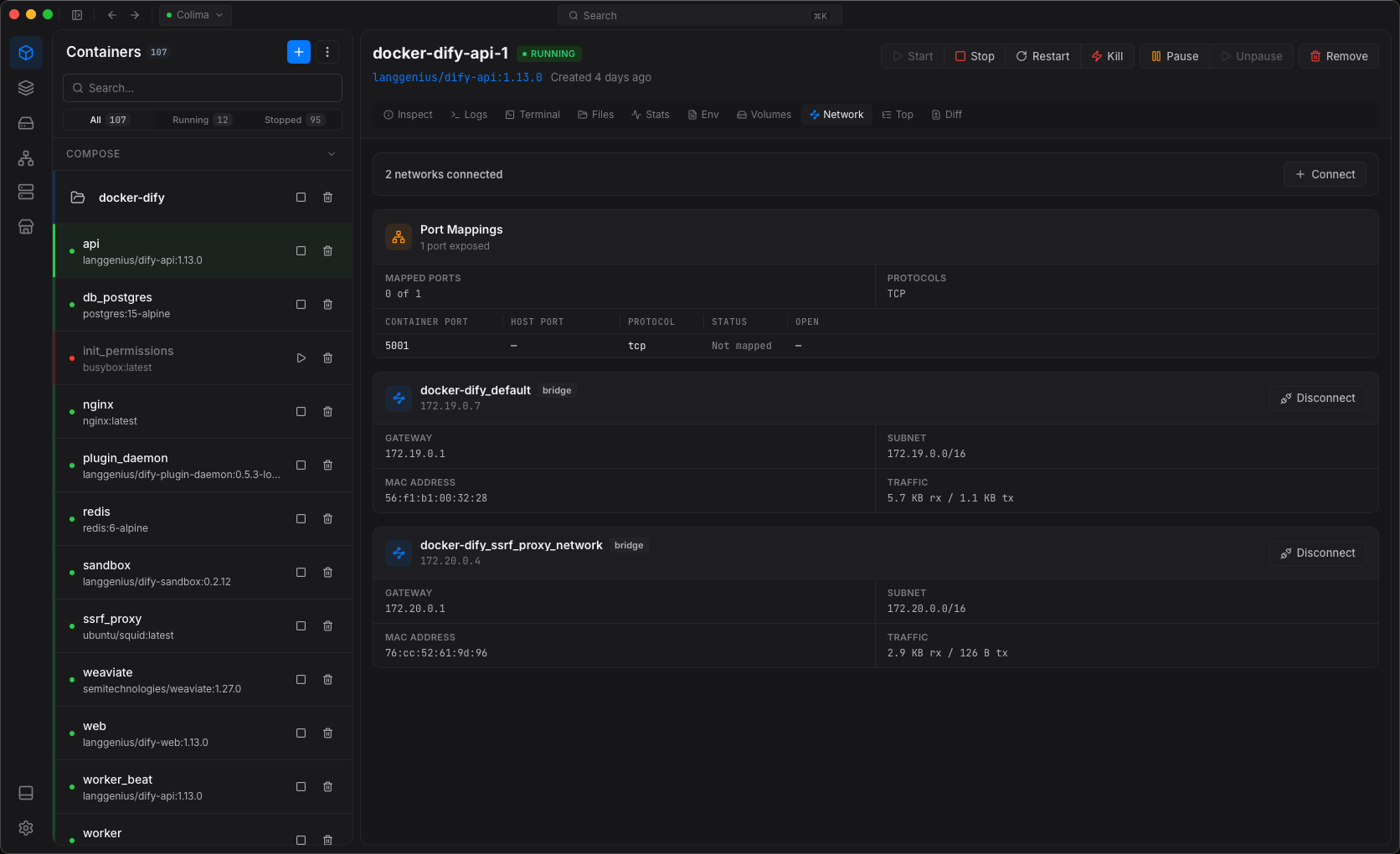
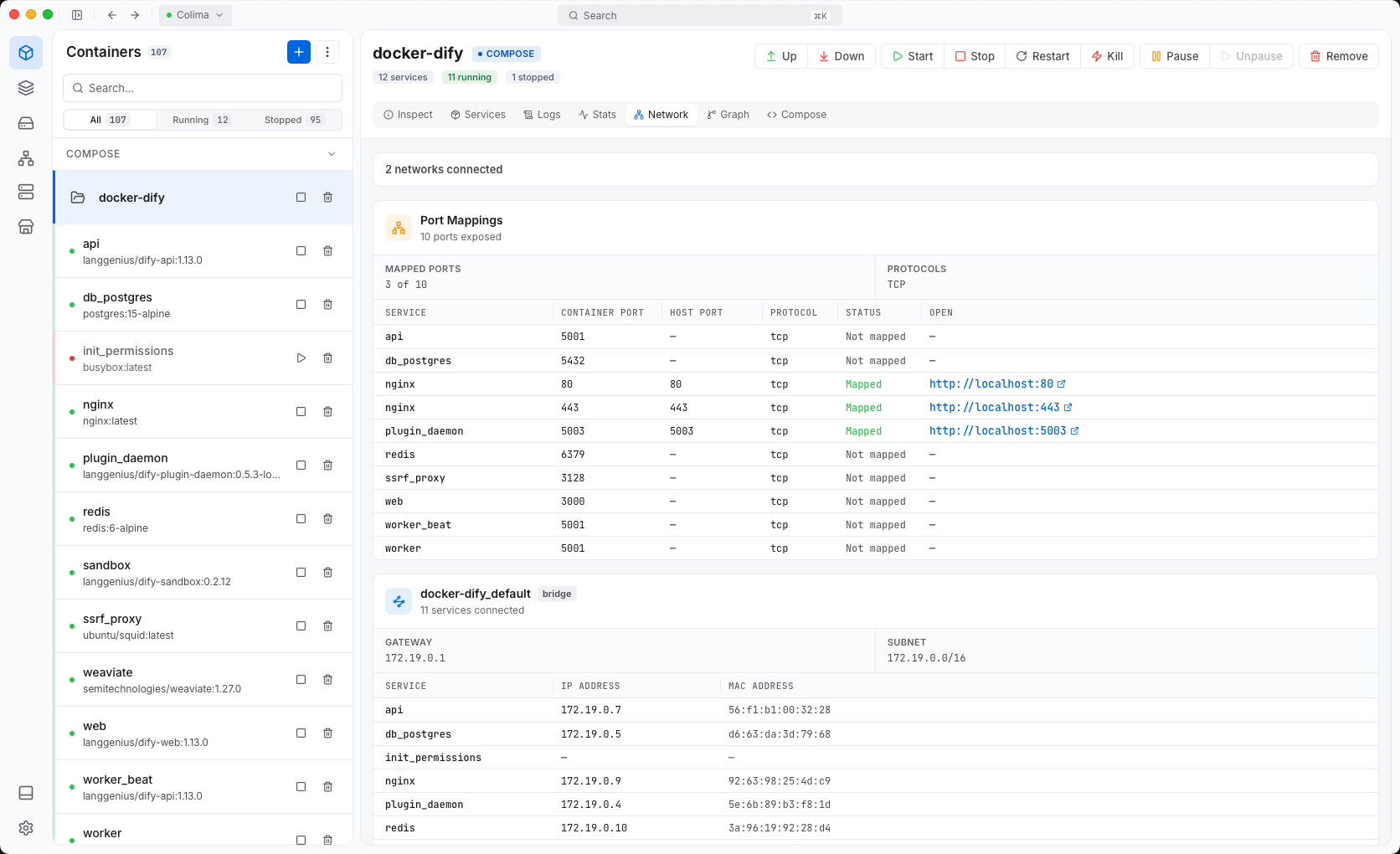
Open web.localhost instead of remembering port numbers.
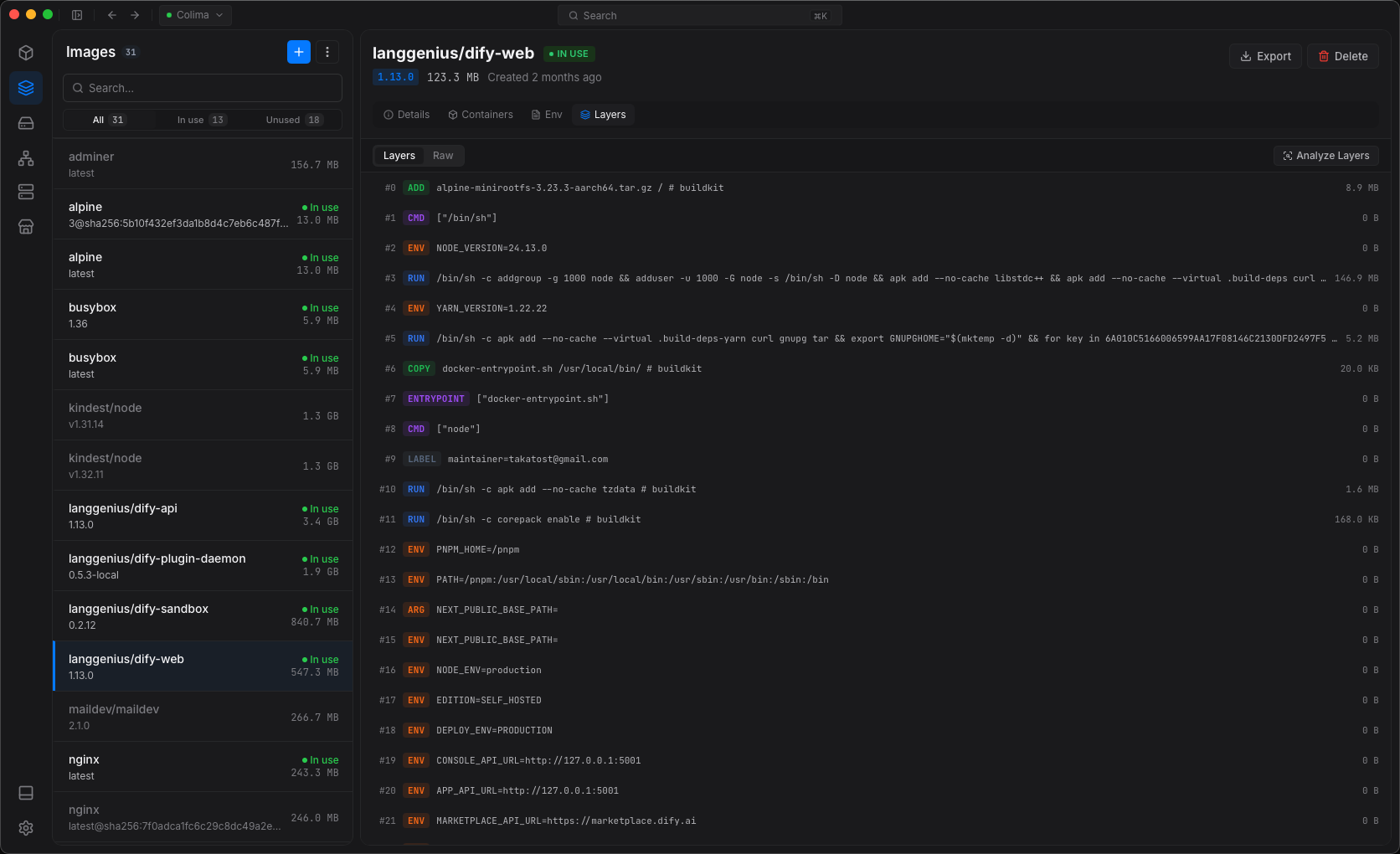
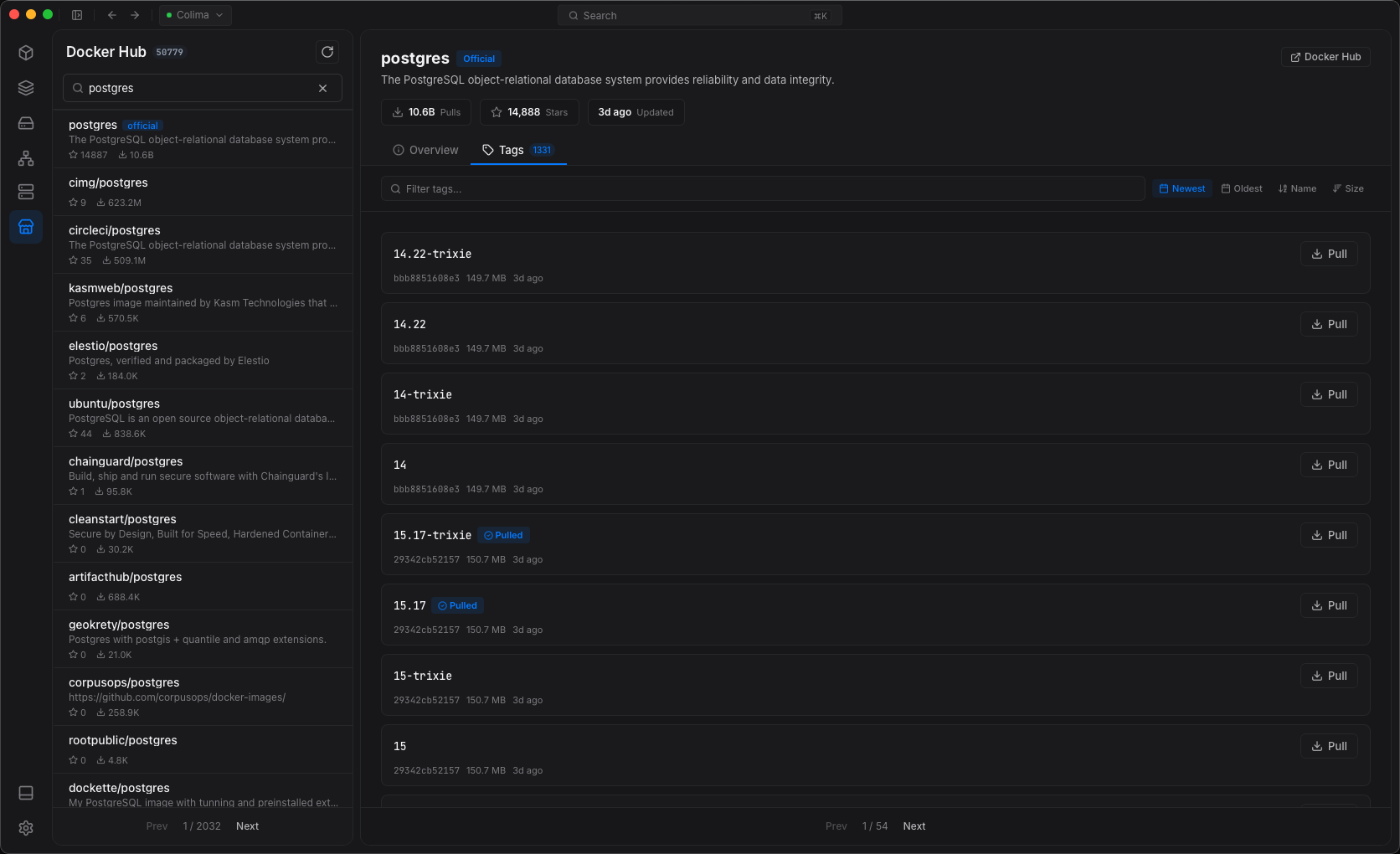
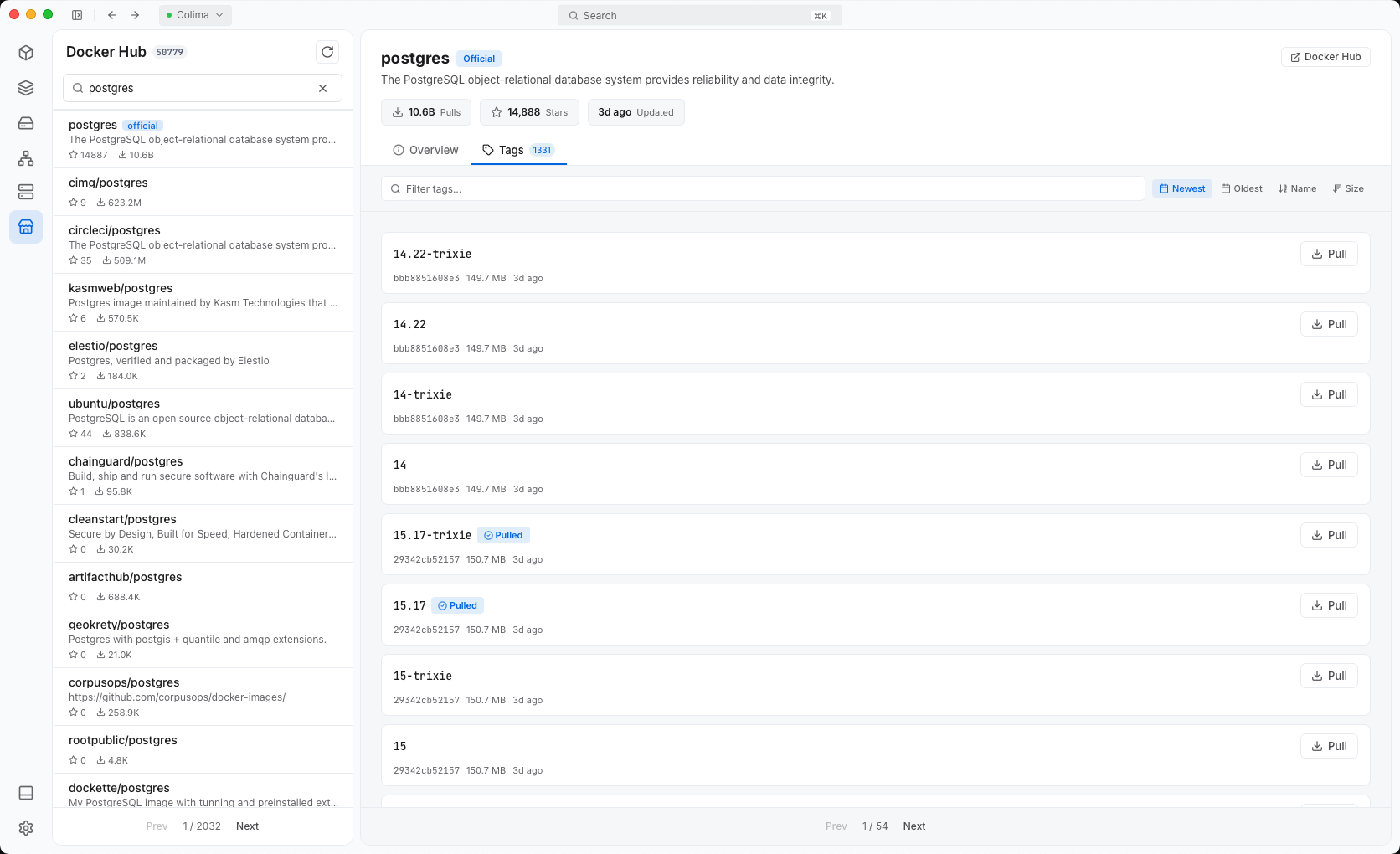
Docker Hub, GHCR, Quay, ECR or your own.
Get a public URL through Cloudflare, ngrok, Tailscale or Dev Tunnels.
Secrets are stored in Keychain, Credential Manager or libsecret.
Uninstall Dockev and no credentials stay on disk.
Connect with a client certificate, CA and key.
Dockev opens no network ports on your machine.
This release lets you share your containers: send a public link with a tunnel, or open them on a local domain like shop.test. Dockev is also now available to install on apt, dnf, zypper, pacman, and Scoop.
Any engine with a Docker-compatible API: Docker Desktop, Docker Engine, Colima, Apple Container, WSL 2, OrbStack, Podman and Rancher Desktop. If docker ps works, Dockev works.
No. Dockev connects to your existing engine. Your containers, images and volumes stay where they are.
Yes, over SSH or TCP with TLS. You can stay connected to several hosts at once.
macOS 12+ on Apple silicon and Intel, Windows 10 and 11, and Linux as AppImage, DEB or RPM.
It is free for personal and commercial use. If you find it useful, you can pay what you want.

Free for macOS, Windows and Linux.
Like it? Pay what you want to support development.